


 GitKraken Desktop
 GitLens for IDEs
  GitKraken CLI
 GitKraken MCP
 GitKraken Insights
 Dev Team Automations
 AI & Security Controls
 Git Integration for Jira
 Supercharge Your Dev Team
  Secure Your Dev Team



| Features | Free | Pro | Teams | Enterprise |
|---|---|---|---|---|
| Features | ||||
| Repository Access | ||||
| Work with public & private repos Includes local repos, publicly-hosted remotes, and privately-hosted remotes. | Public Repos Only | |||
| Git Productivity | ||||
Merge Conflict Tool 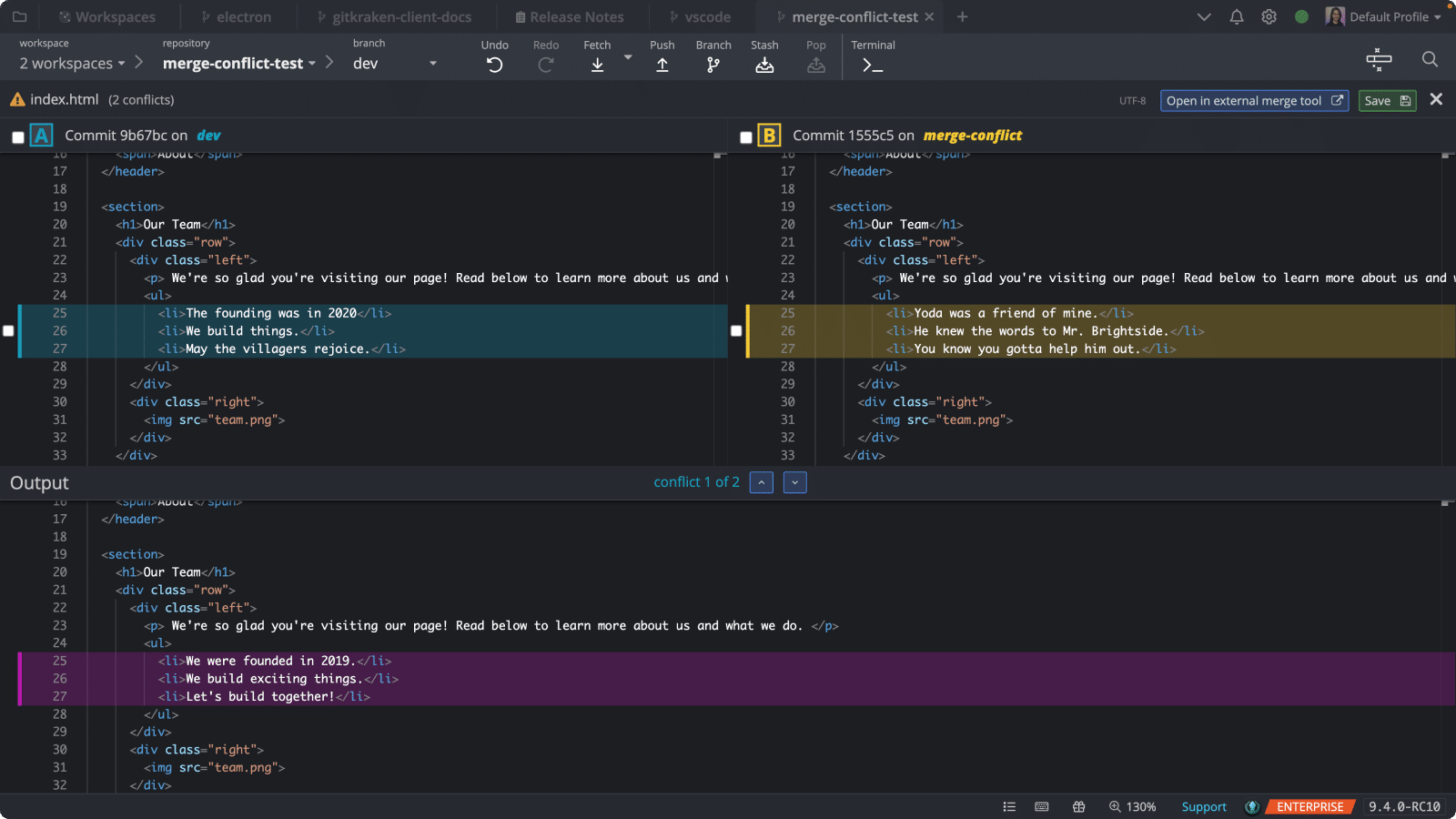 Easily resolve conflicts with a visual, 3-panel merge tool. Easily resolve conflicts with a visual, 3-panel merge tool. | ||||
Merge Conflict Output Editor 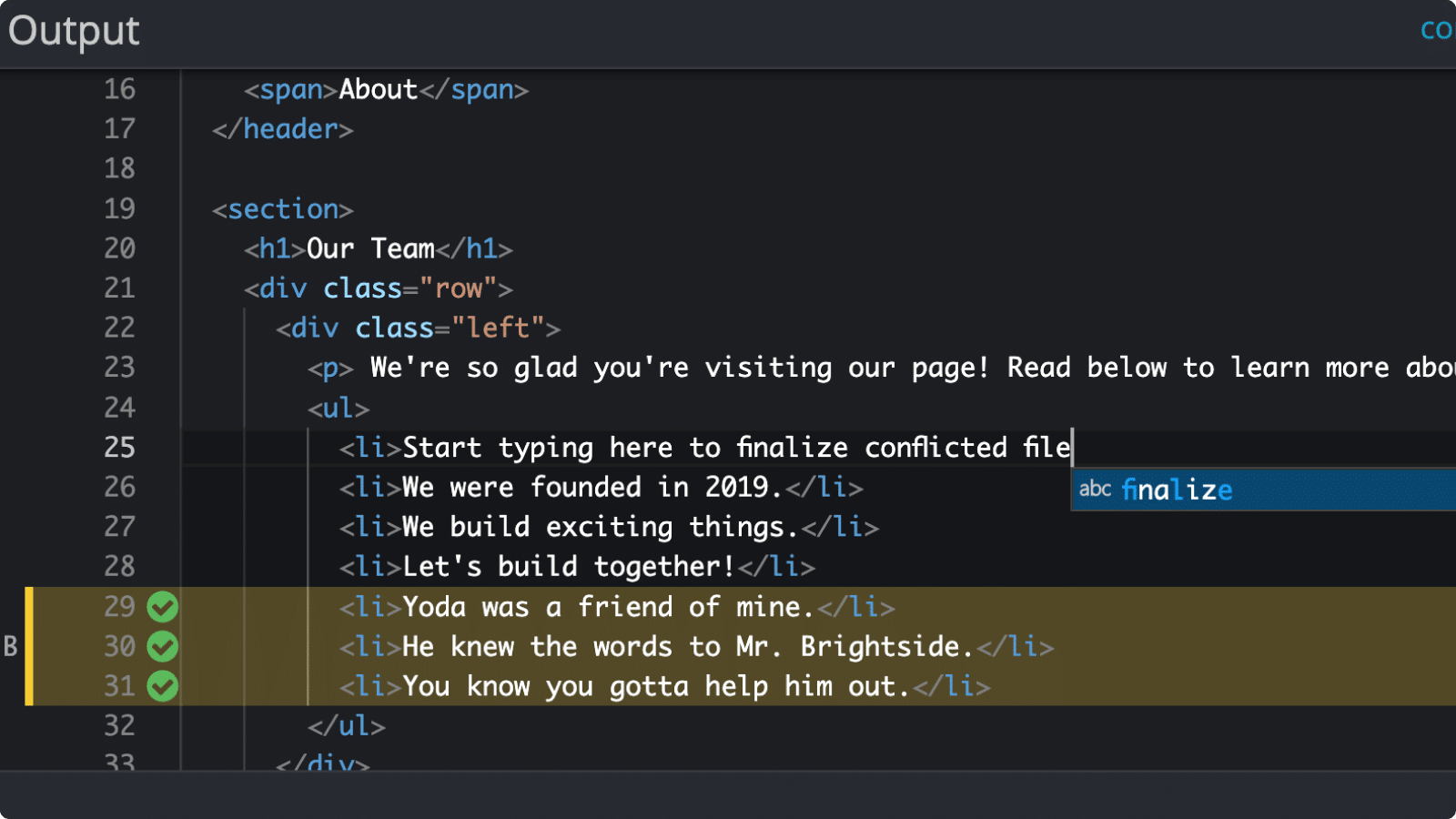 Edit the output while resolving conflicts. Edit the output while resolving conflicts. | ||||
Code Editor 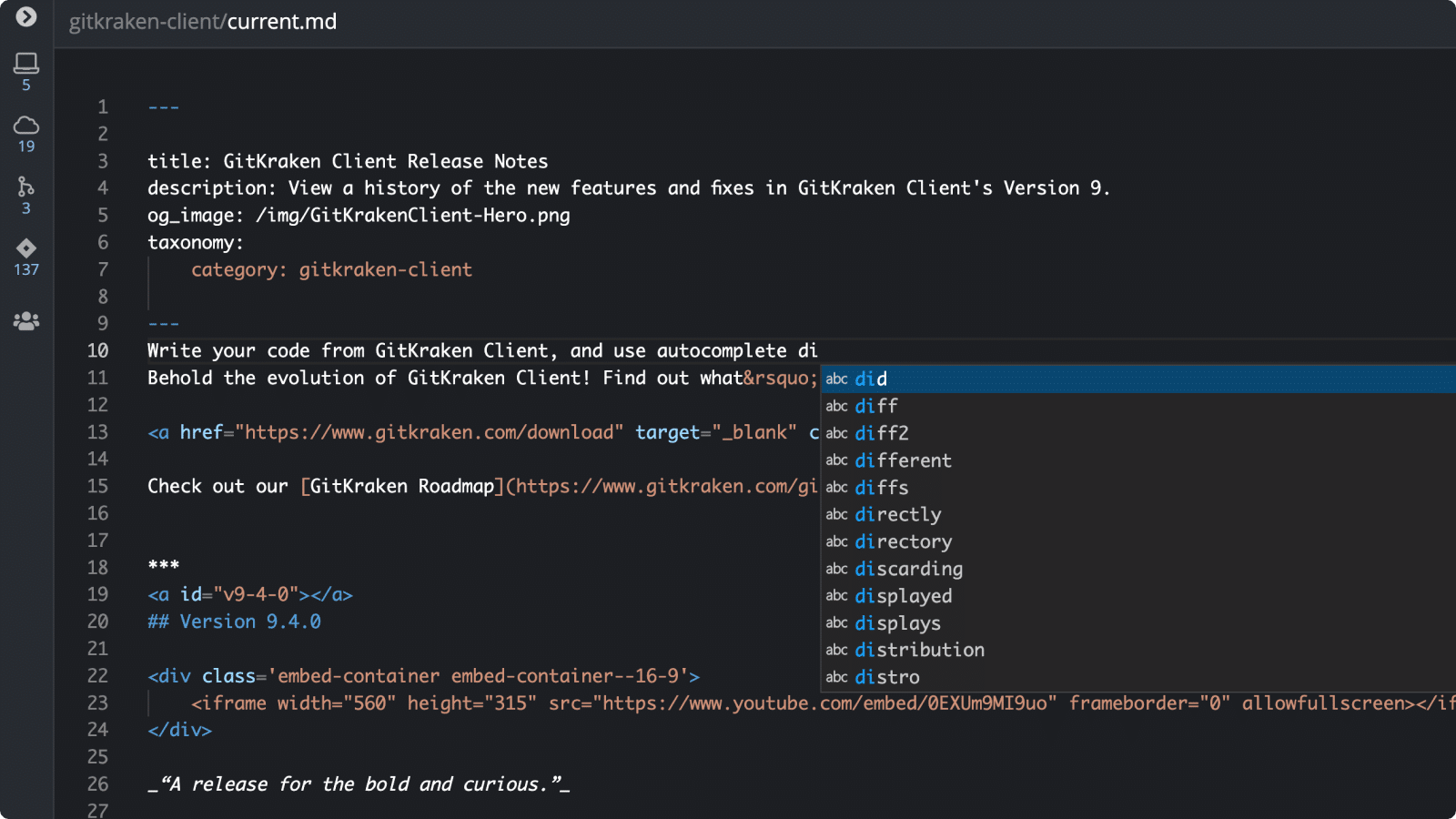 Edit code in the diff view. Edit code in the diff view. | ||||
Pull or fetch multiple repos 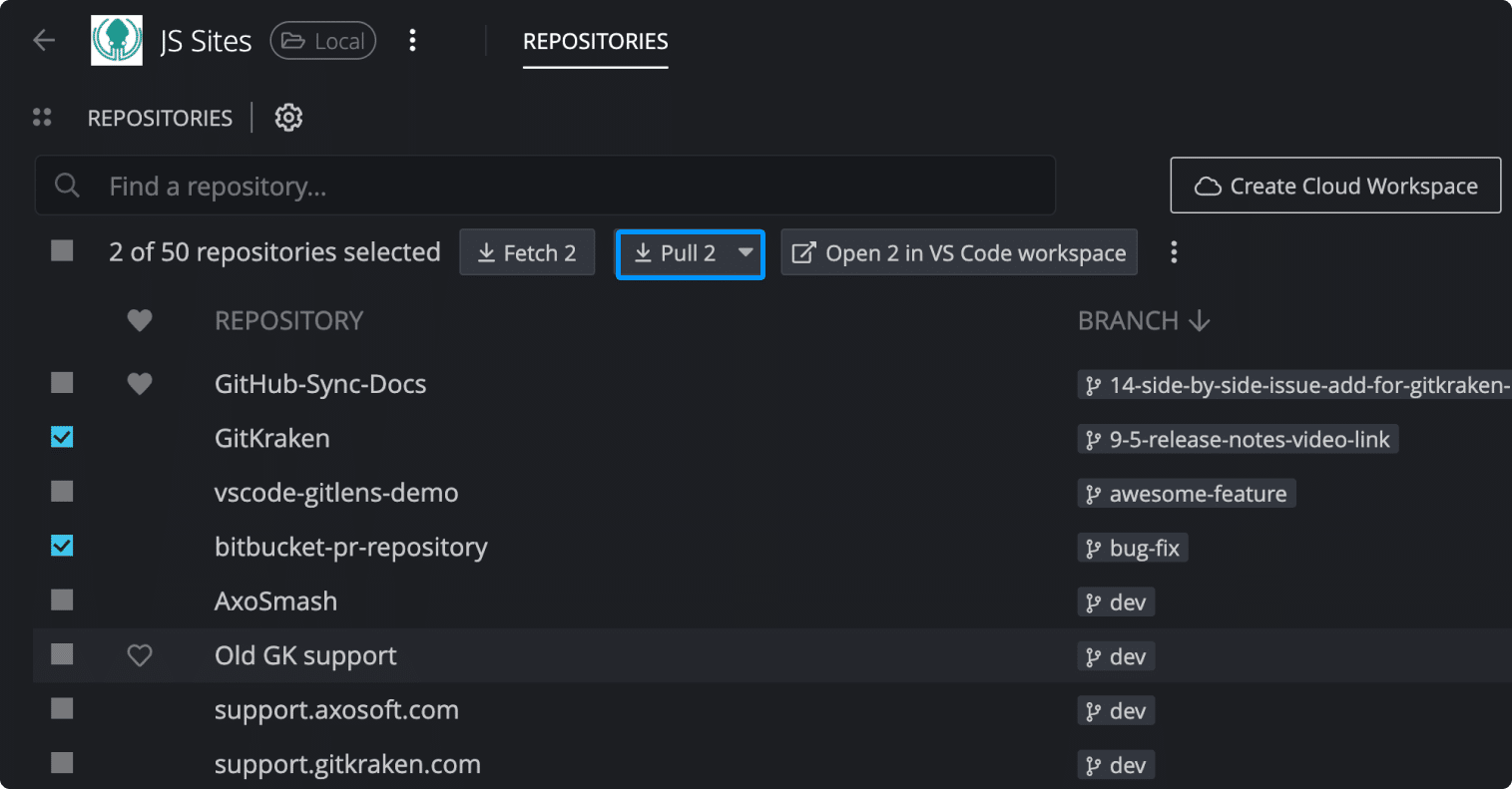 Group your repos together in a Workspace to access the option to pull or fetch multiple repositories at once. Group your repos together in a Workspace to access the option to pull or fetch multiple repositories at once. | ||||
Multiple Profiles 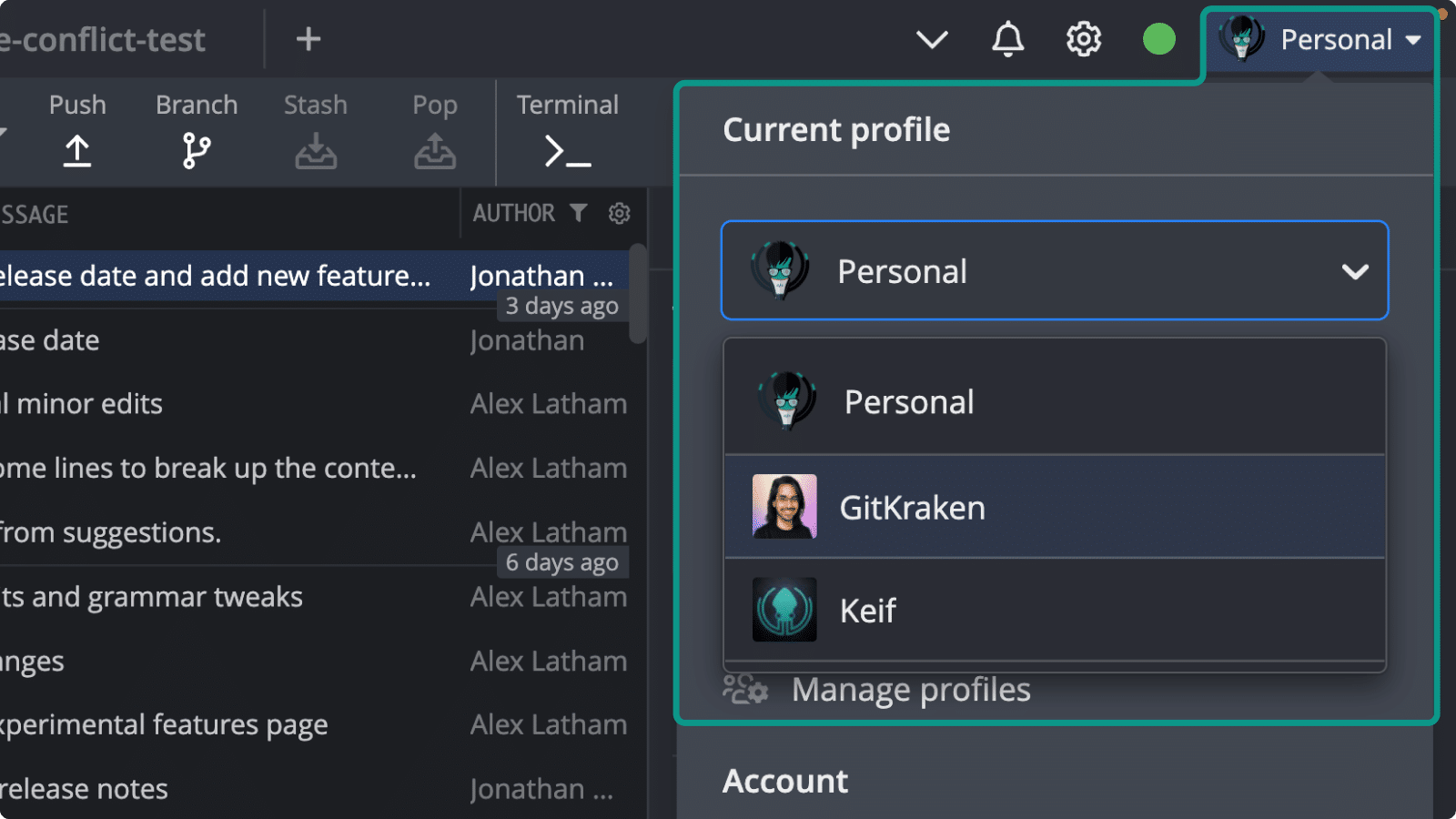 Create and switch between different sets of Git configurations, integrations, and app settings. Create and switch between different sets of Git configurations, integrations, and app settings. | ||||
Gitflow support 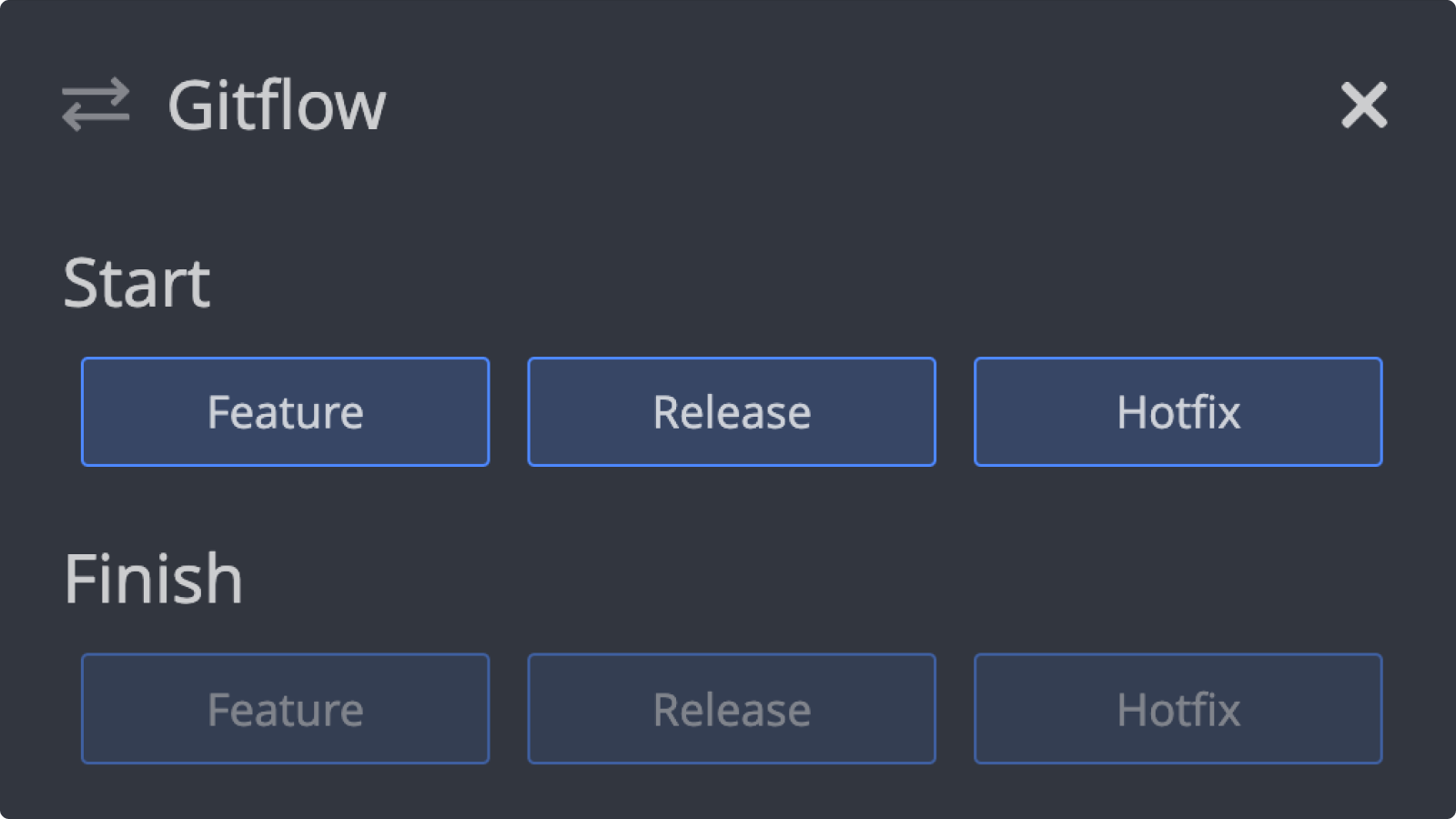 Use Gitflow to start and finish features, releases, and hotfixes. Use Gitflow to start and finish features, releases, and hotfixes. | ||||
| Git LFS Work with LFS in repos with large binary files. | ||||
File history & blame 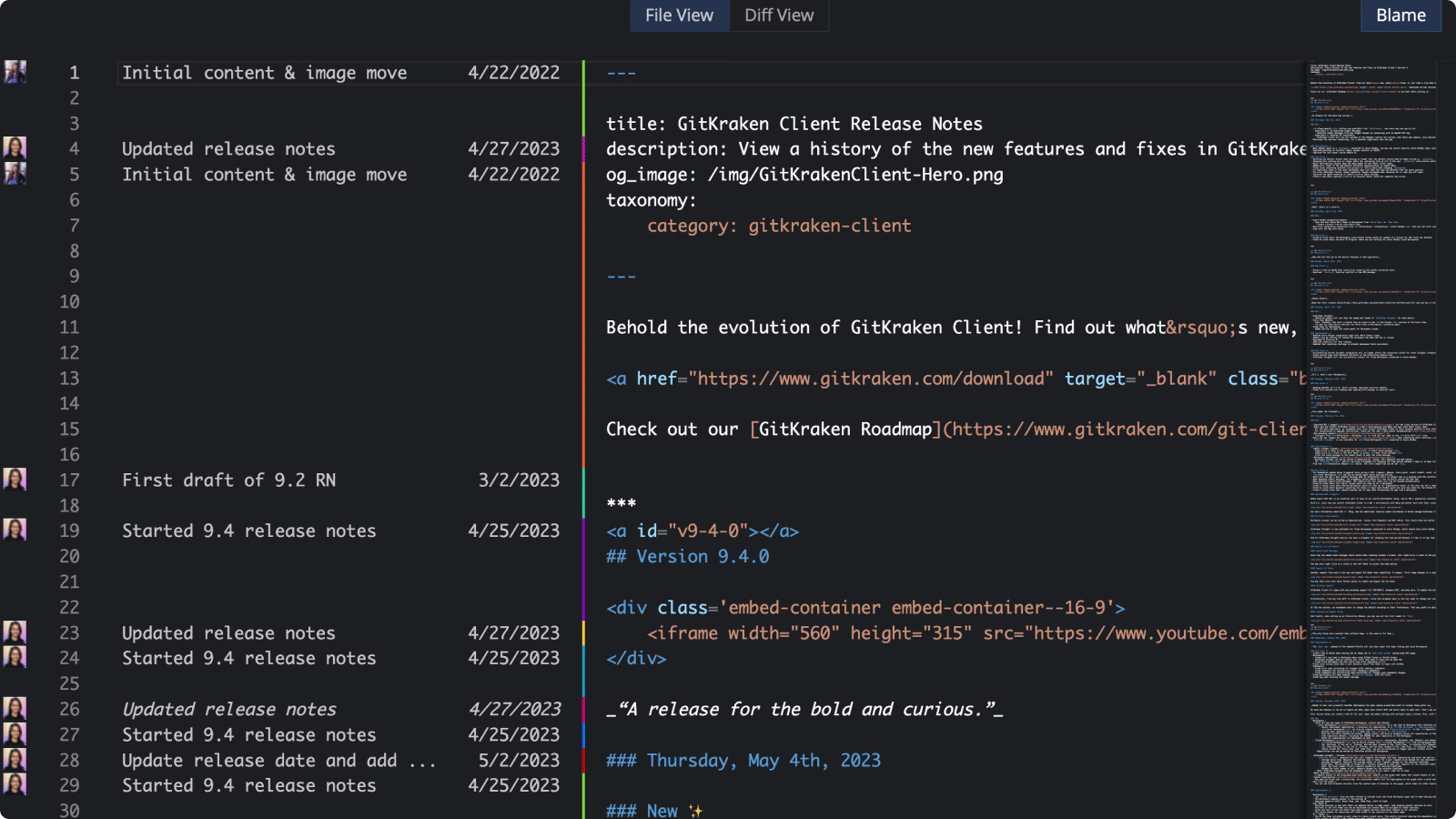 See changes to a file over time by author. See changes to a file over time by author. | ||||
View & create pull requests 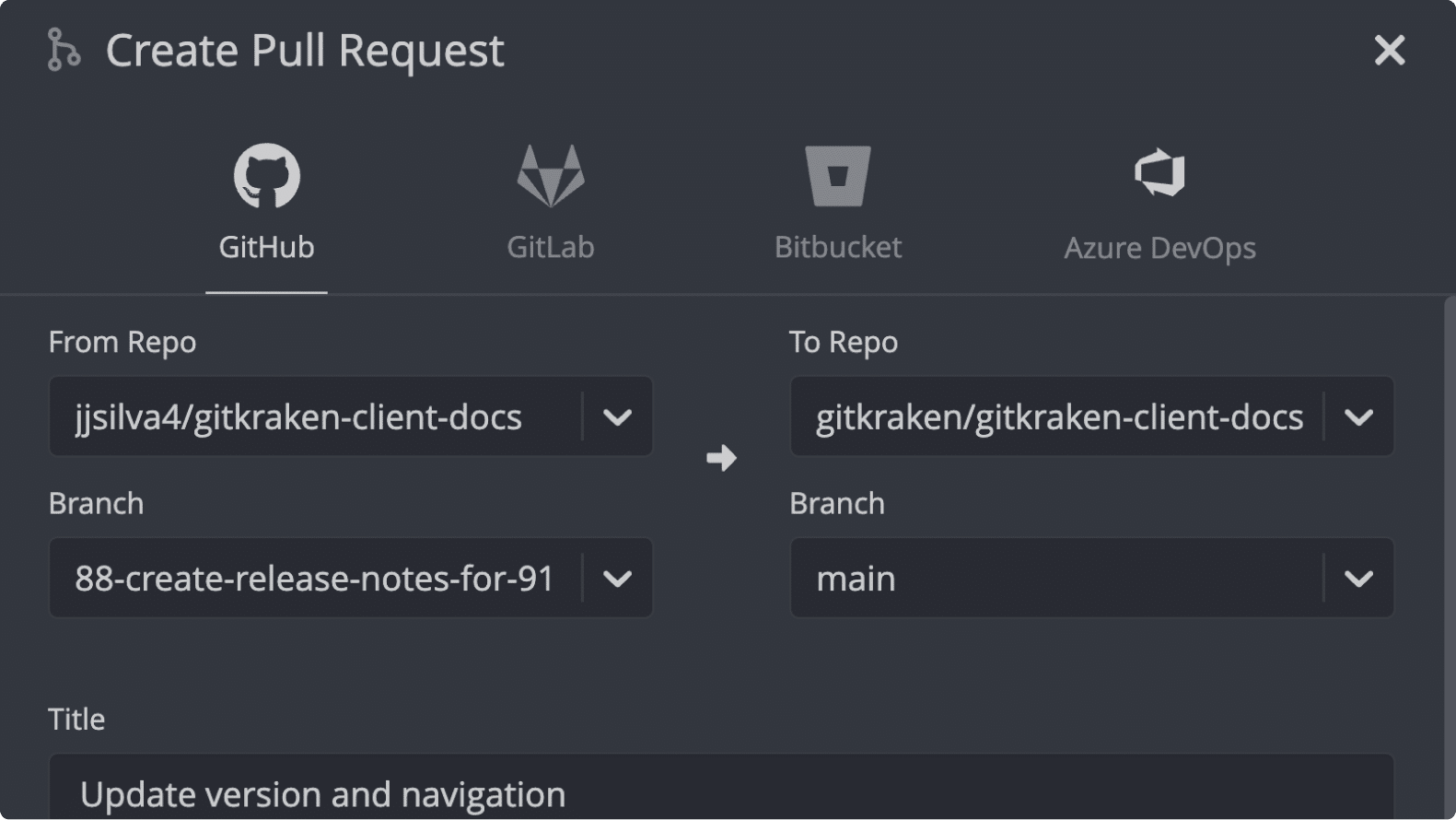 Use our hosting integrations to create and manage pull requests from within GitKraken Client. Use our hosting integrations to create and manage pull requests from within GitKraken Client. | ||||
Hiding & soloing 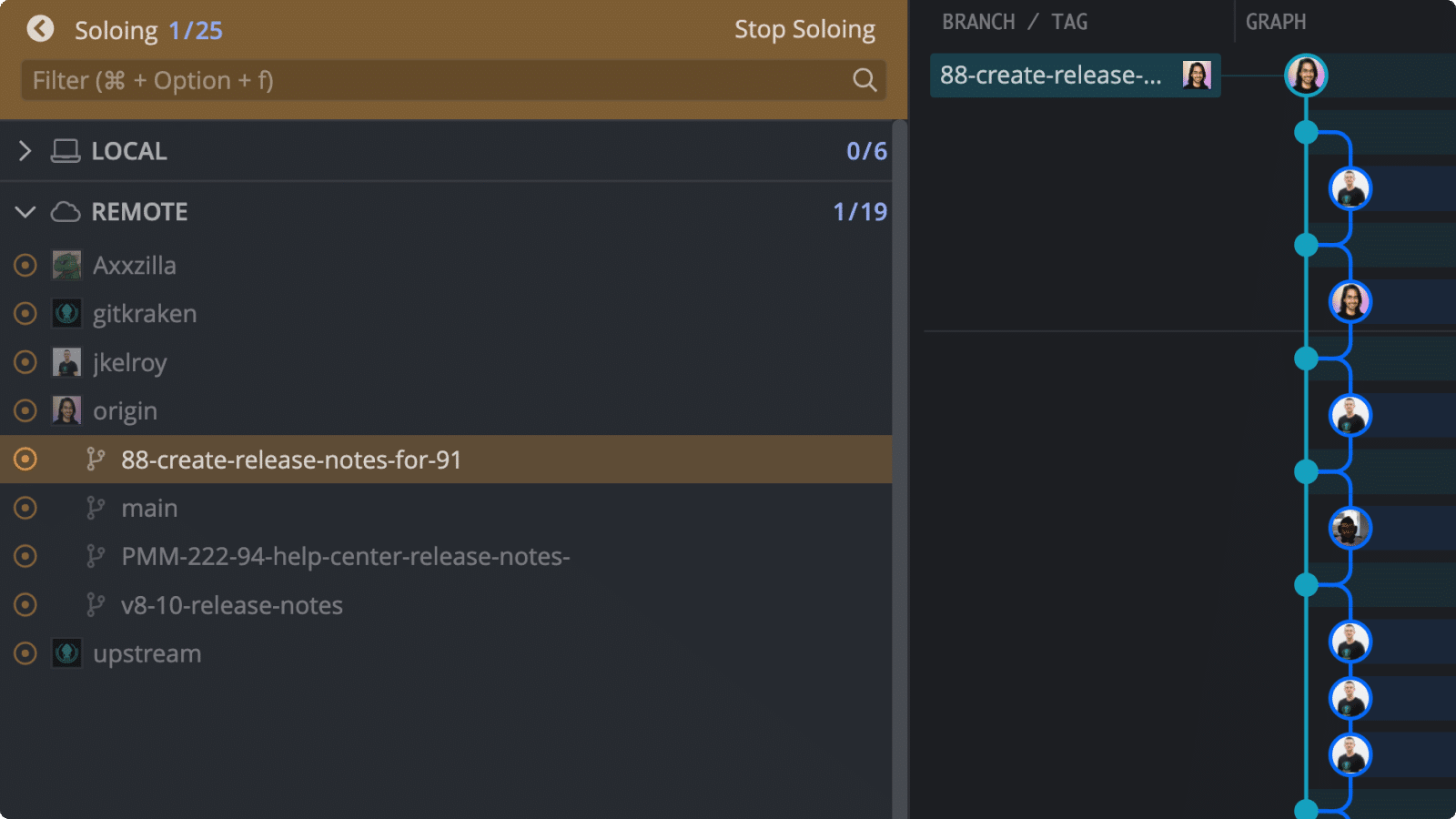 Focus on the branches you want to see in the Commit Graph. Focus on the branches you want to see in the Commit Graph. | ||||
| Auto-Gen SSH key One-click SSH key generation. | ||||
| Git hooks support Trigger hooks when performing commits, merges, rebases, etc. | ||||
| Submodules Work with repos that have submodules. | ||||
Visual Interactive Rebase 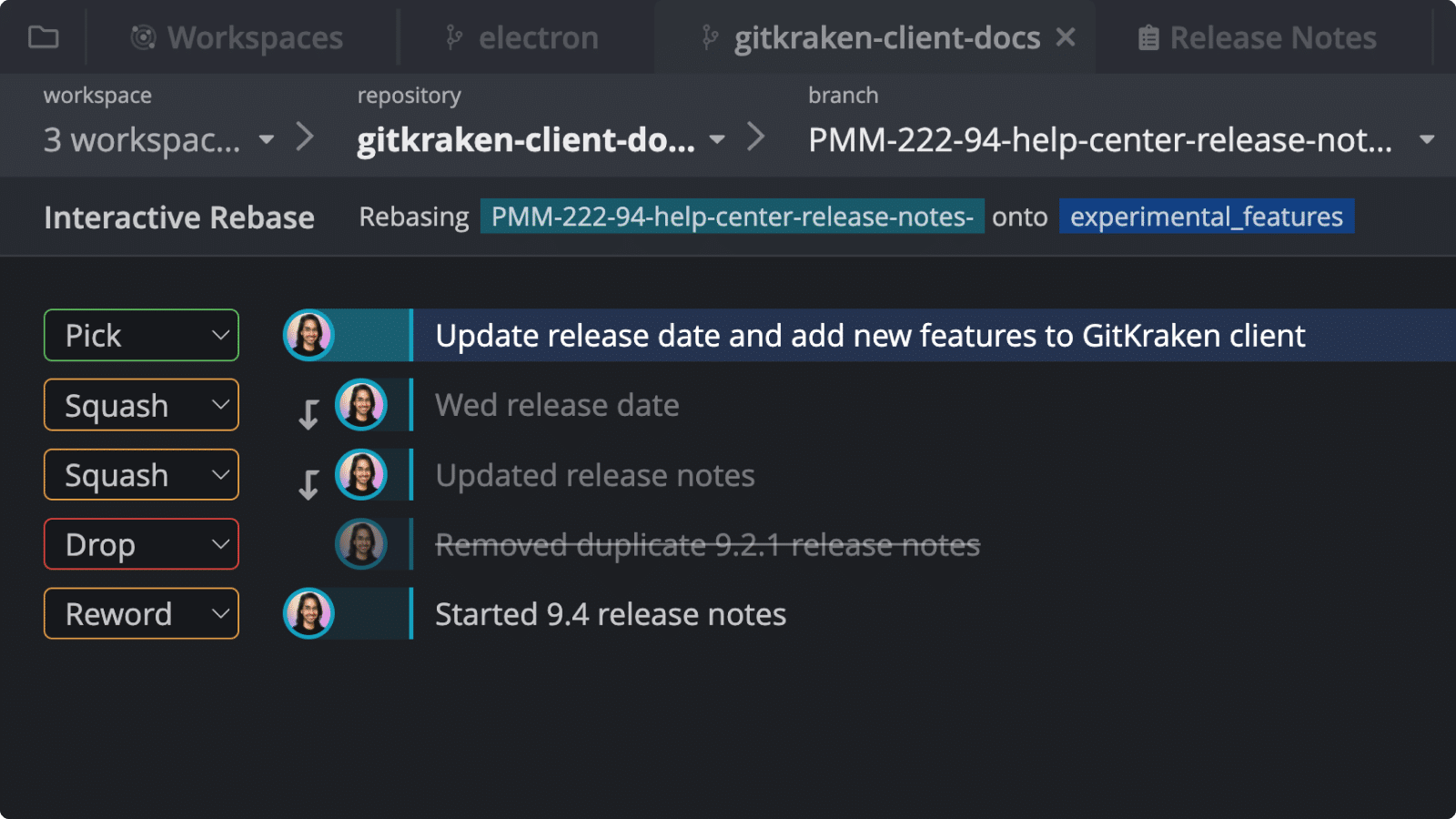 Plan which commits will be re-ordered, edited, squashed or dropped before initiating a rebase. Plan which commits will be re-ordered, edited, squashed or dropped before initiating a rebase. | ||||
| One-click undo & redo Git operations | ||||
Command Palette 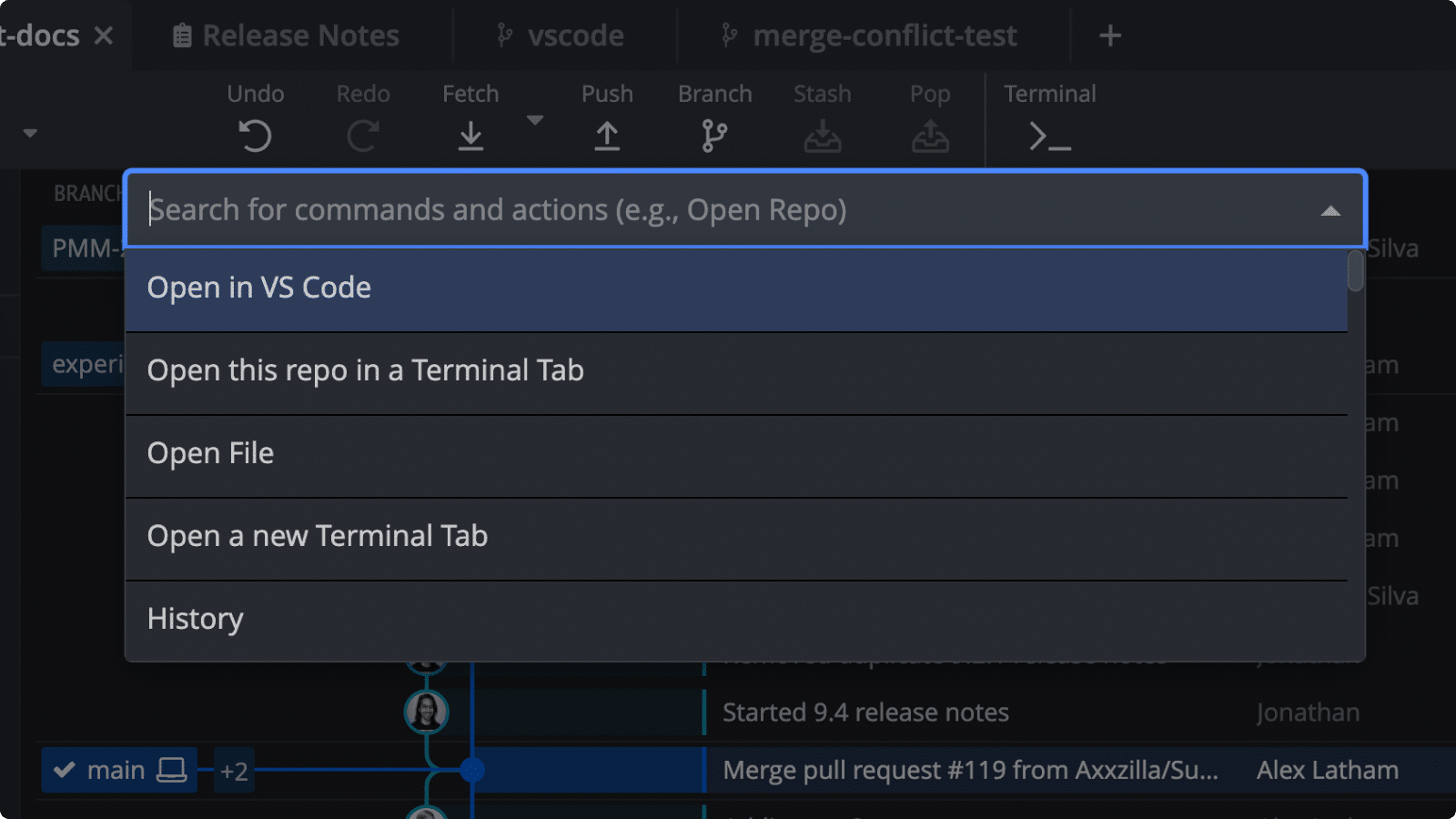 Navigate views and perform operations with keyboard commands. Navigate views and perform operations with keyboard commands. | ||||
| GPG commit signing Verify a commit has been signed by selecting a commit and reviewing the sign details in the Commit Panel. | ||||
| Keyboard shortcuts | ||||
| Dark & light themes | ||||
Deep Linking 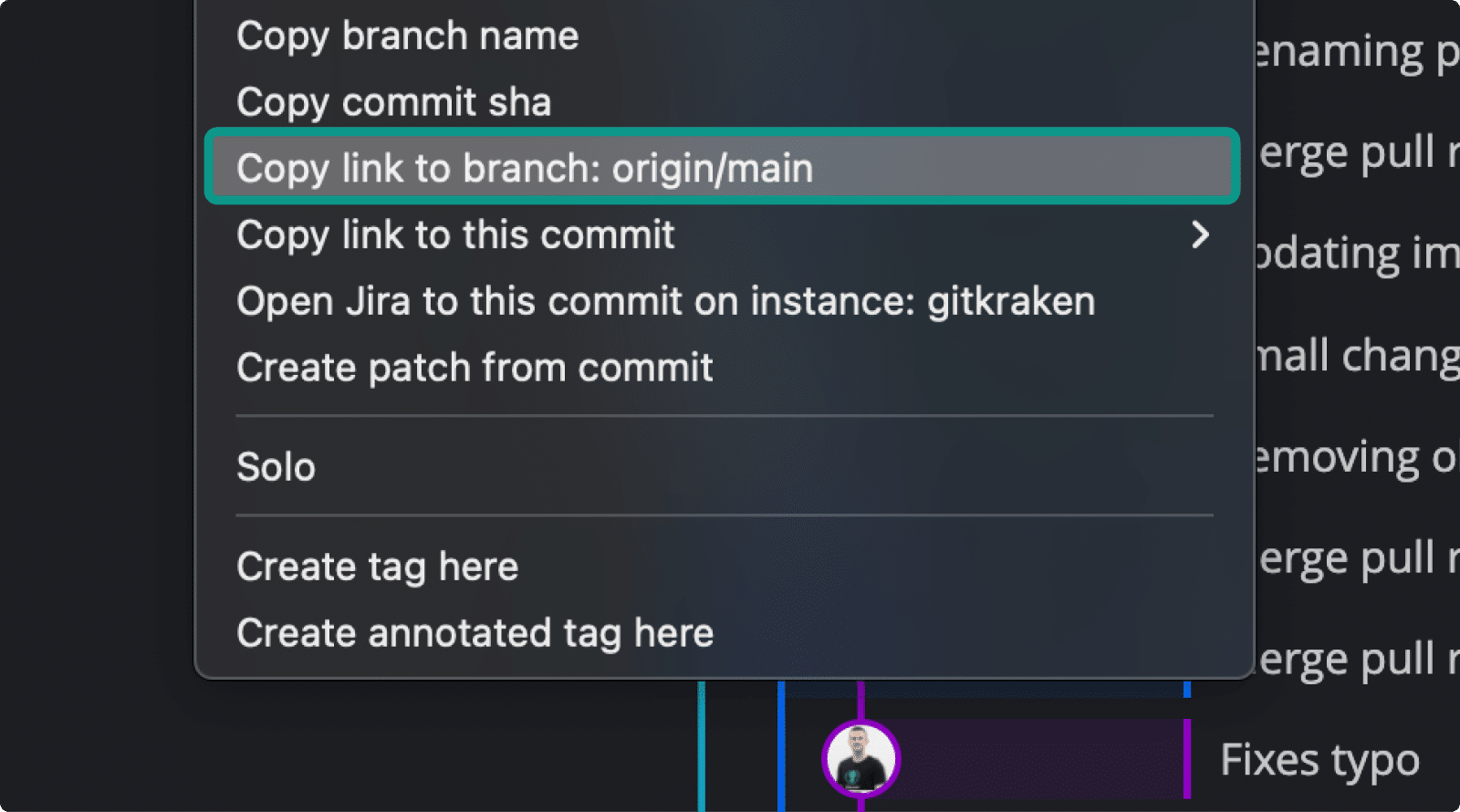 Share links that open a repo to a specific branch or commit. Share links that open a repo to a specific branch or commit. | ||||
| Team Collaboration | ||||
Local and Cloud Workspaces 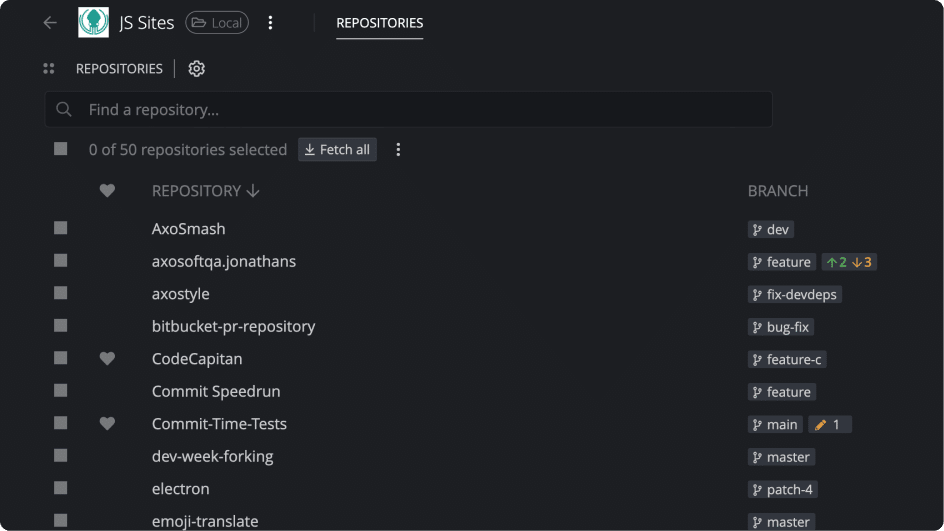 Group your repos together to view branch status. With Cloud Workspaces, you may organize your pull requests, issues, WIPs, and get access to GitKraken Insights. Group your repos together to view branch status. With Cloud Workspaces, you may organize your pull requests, issues, WIPs, and get access to GitKraken Insights. | ||||
GitKraken Insights for Cloud Workspaces 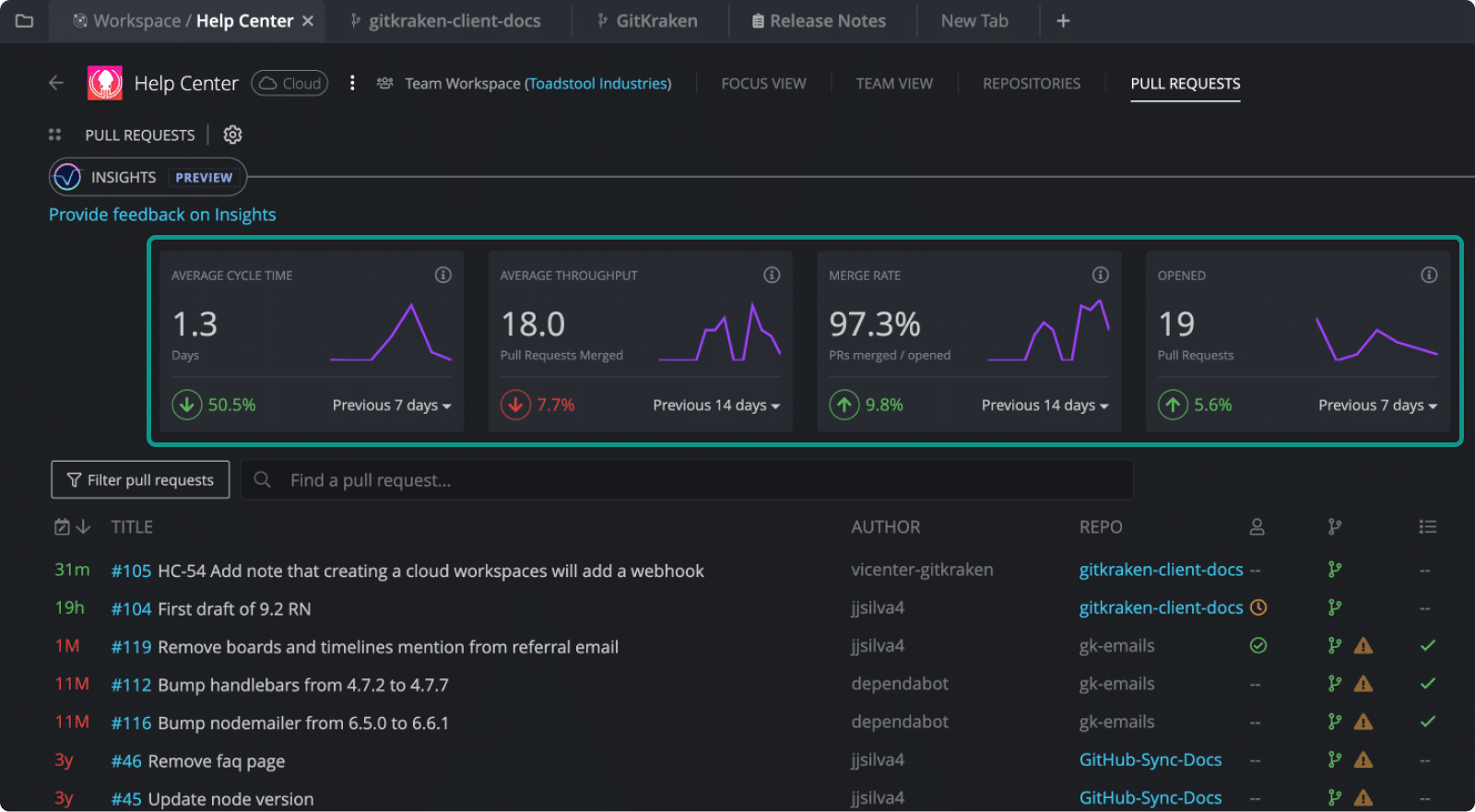 Measure how fast your pull requests get merged into your repos with metrics like Cycle Time, Throughput and more. Measure how fast your pull requests get merged into your repos with metrics like Cycle Time, Throughput and more. | View last 7 days | View up to last 14 days | View up to last 14 days | View up to last 14 days |
Team View in Cloud Workspaces 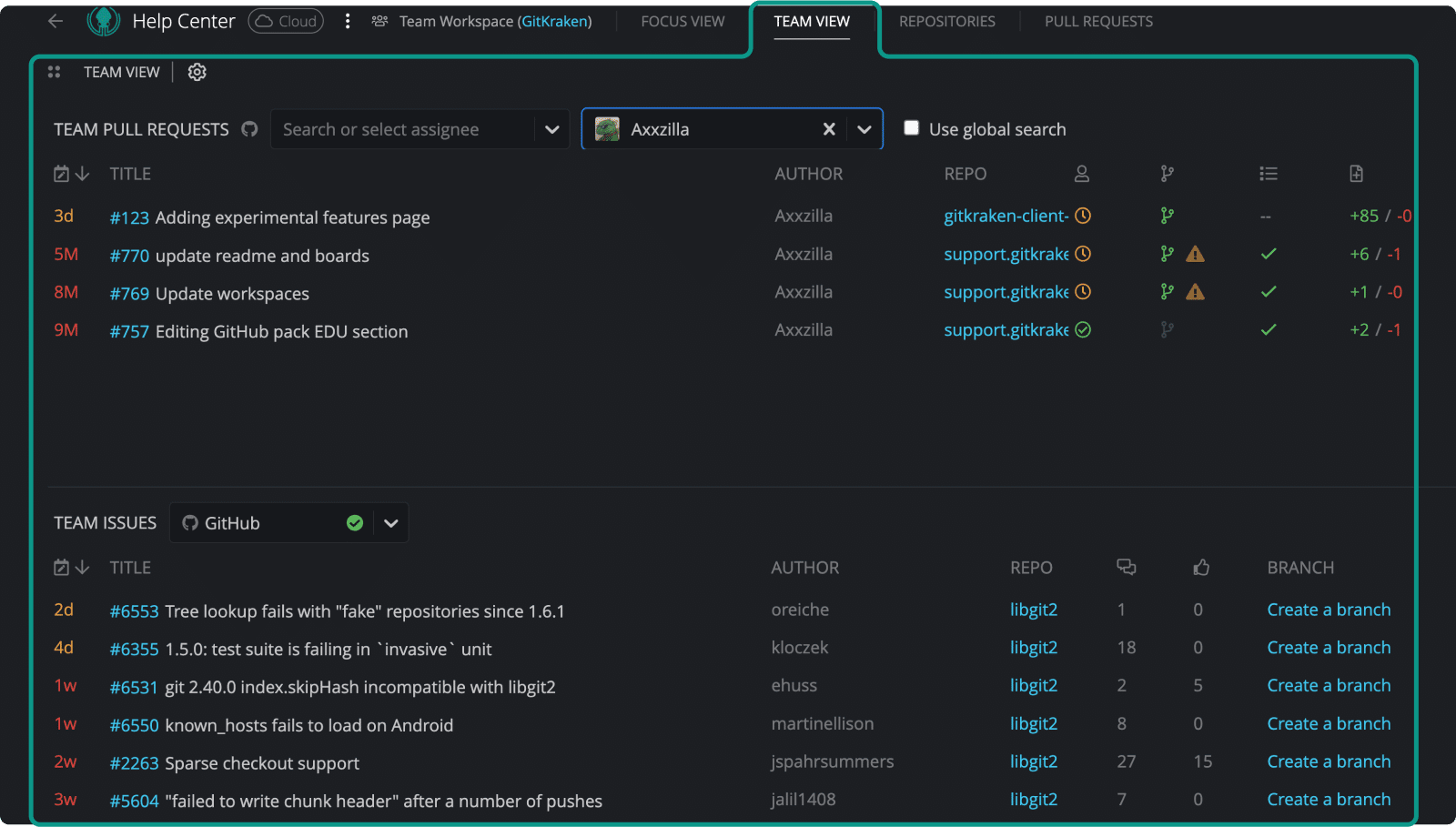 Get visibility on pull requests and issues for all repos in a Cloud Workspace. Get visibility on pull requests and issues for all repos in a Cloud Workspace. | Focus View Only | |||
Share Cloud Workspaces with teams and individuals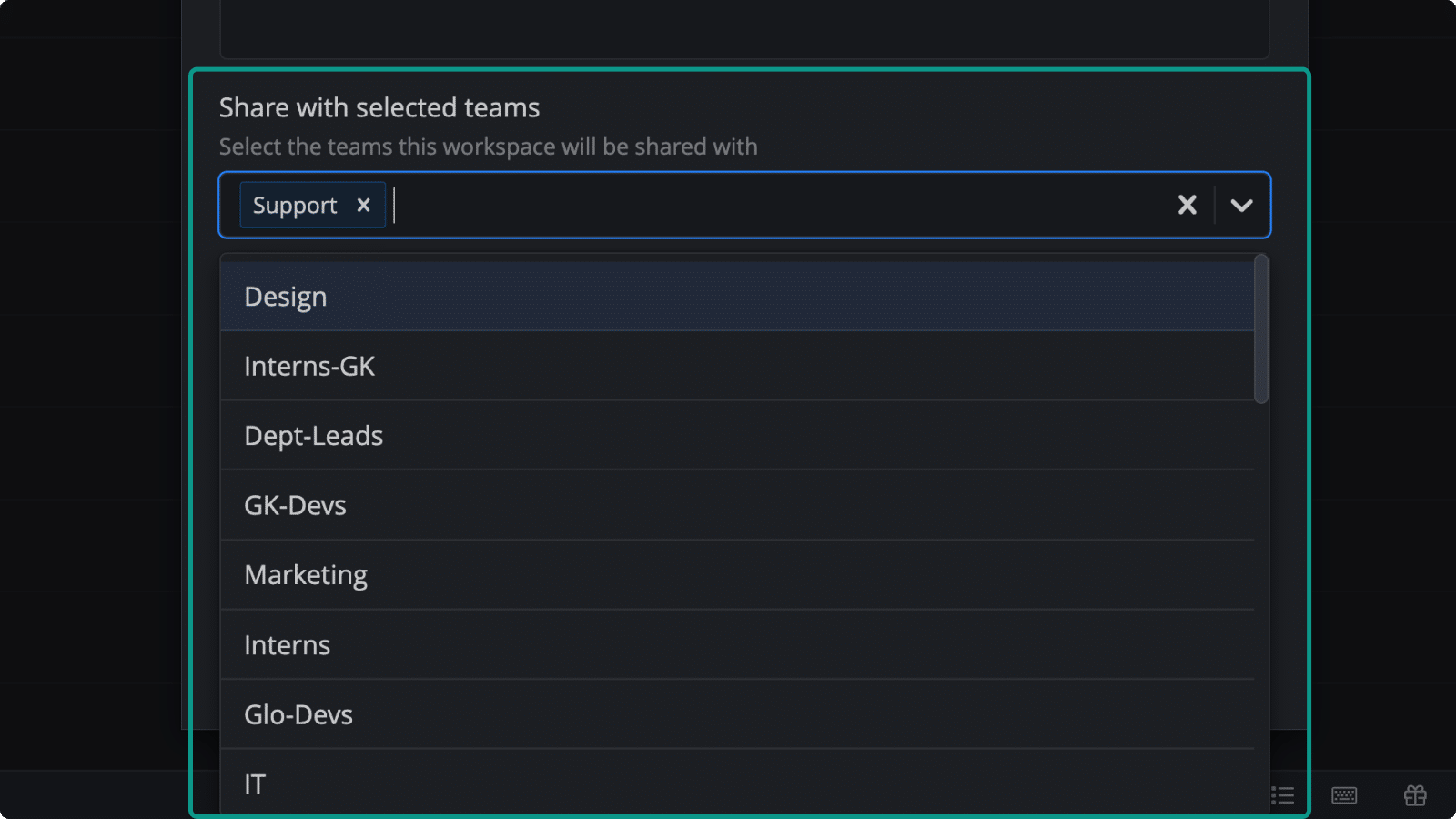 Share Cloud Workspaces with multiple teams or individual from your Org for quicker repository provisioning and repo management. Share Cloud Workspaces with multiple teams or individual from your Org for quicker repository provisioning and repo management. | 10 | 100 | Unlimited | |
Team View with live activity status in Left Panel 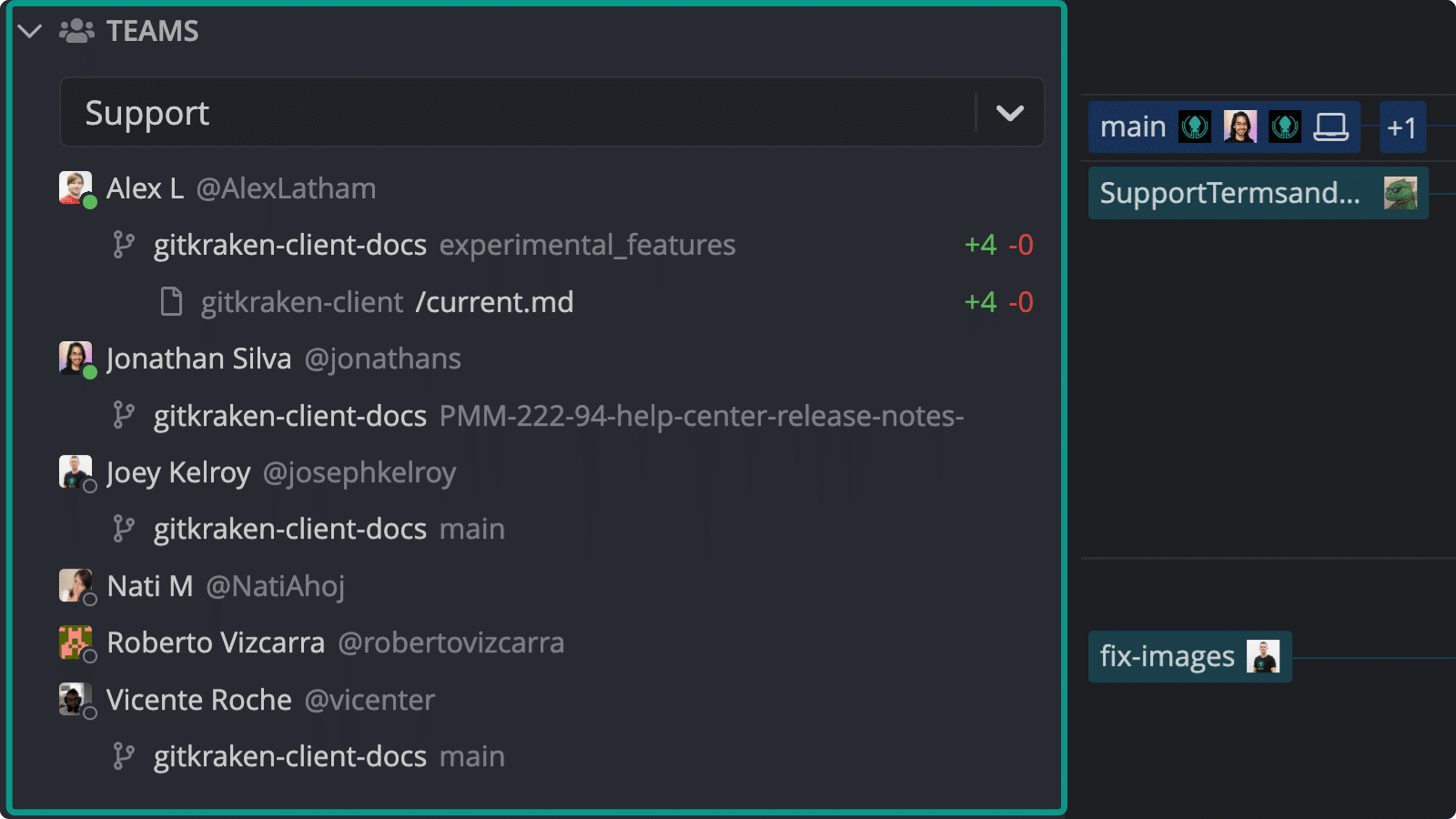 See active branches and file modifications by your team members. See active branches and file modifications by your team members. | ||||
Predictive merge conflict alerts 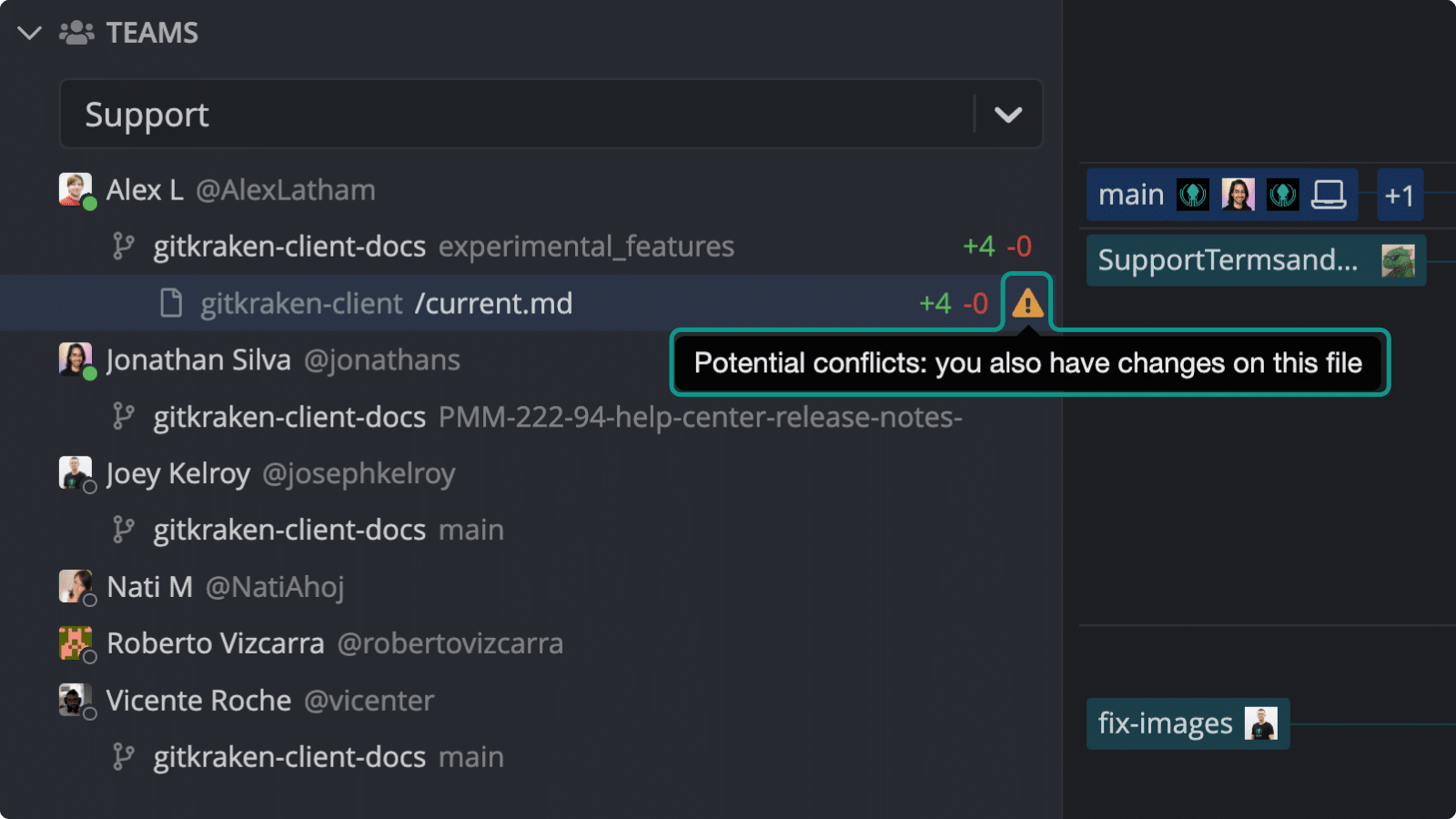 Know when you are modifying the same file as another team member. Know when you are modifying the same file as another team member. | ||||
Filter commit graph by teams 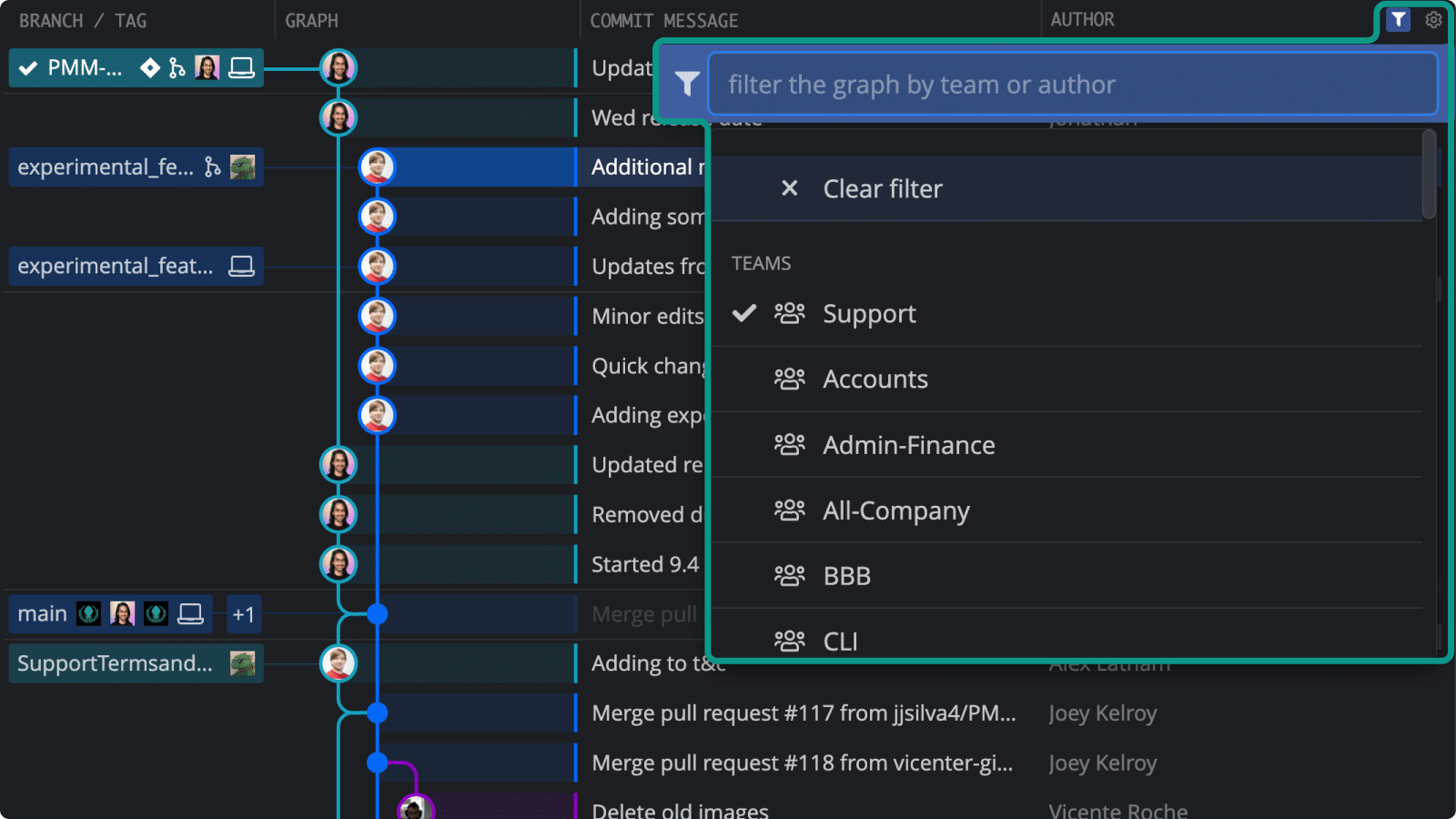 See only commits made by specific teams in the Commit Graph. See only commits made by specific teams in the Commit Graph. | ||||
| Cloud Repo Integrations | ||||
| GitHub Easily access remotes and create pull requests & issues for GitHub.com. | ||||
| GitLab Easily access remotes and create merge requests for GitLab.com. | ||||
| Bitbucket Easily access remotes and create pull requests for Bitbucket.org. | ||||
| Azure DevOps Easily access remotes and create pull requests for Azure DevOps. | ||||
| Self-Hosted Repo Integrations | ||||
| GitHub Enterprise Server Easily access remotes and create pull requests & issues for GitHub Enterprise Server. | ||||
| GitLab Self-Managed Easily access remotes and create merge requests for GitLab Self-Managed. | ||||
| Bitbucket Server Easily access remotes and create pull requests for Bitbucket Server. | ||||
| Pull Request Management | ||||
GitHub 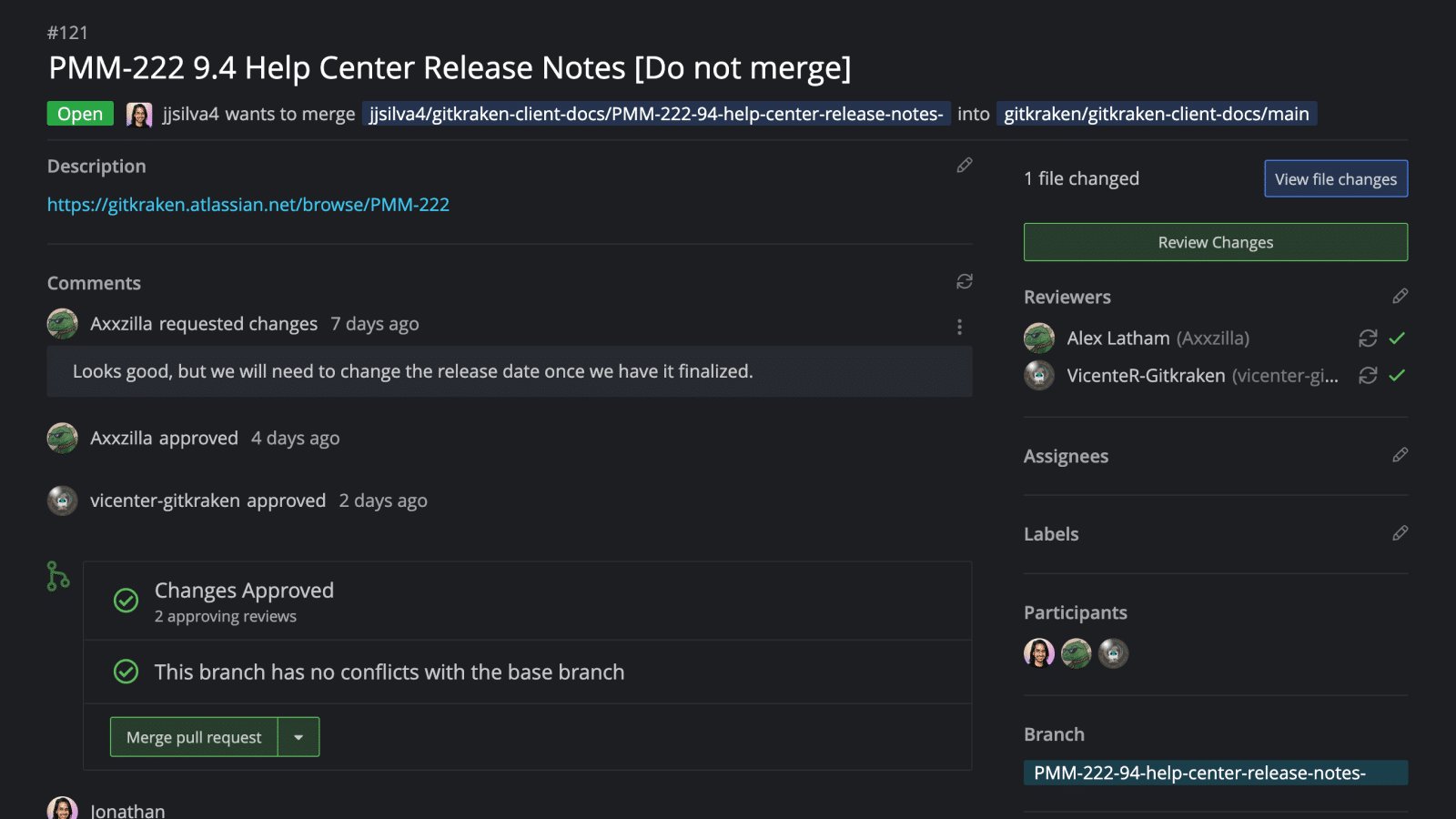 View, edit, create and merge GitHub pull requests. View, edit, create and merge GitHub pull requests. | Public Repos | |||
| Issue Tracker Integrations | ||||
Jira Server/Cloud 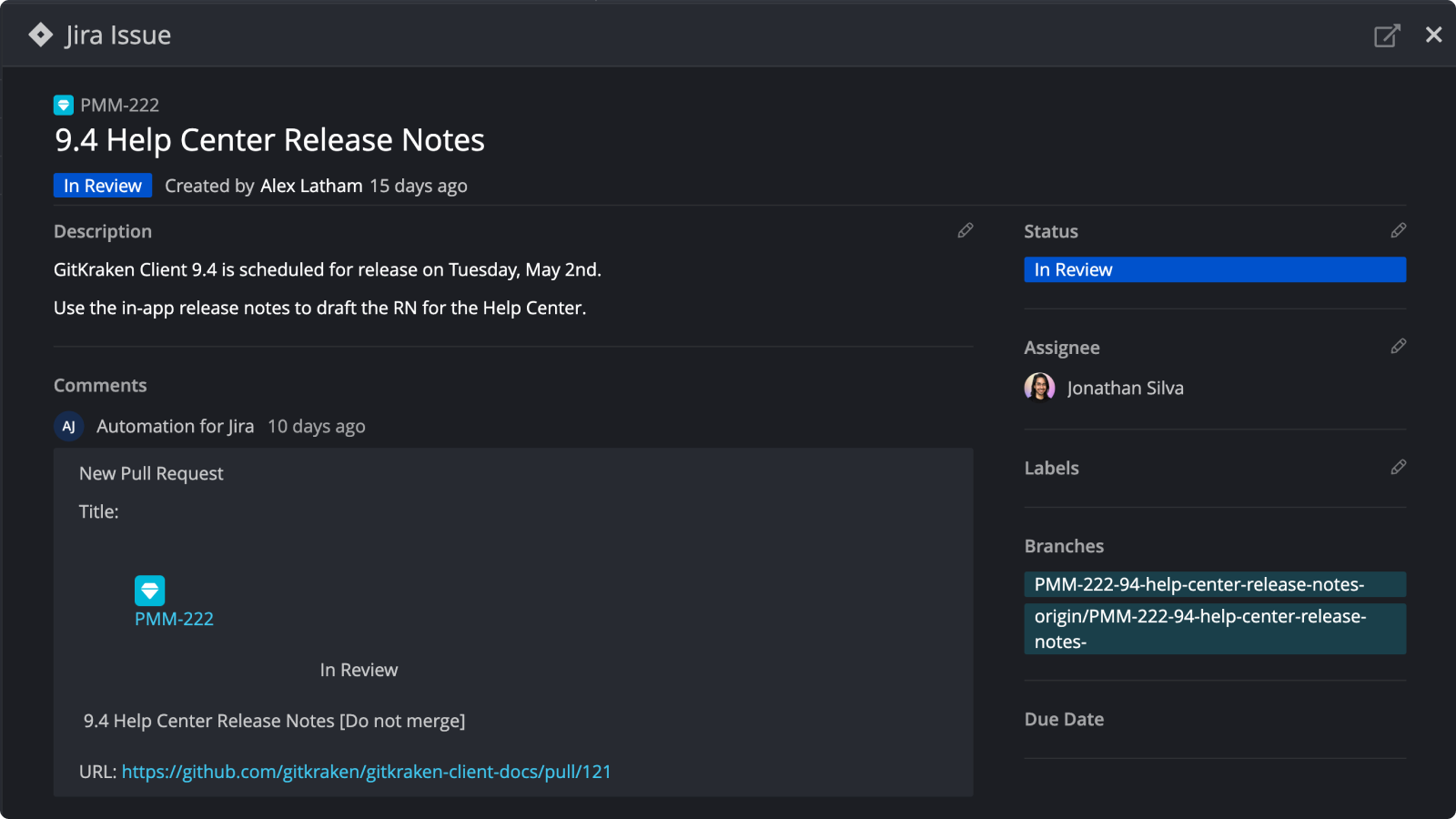 View, filter, modify and start work from Jira Issues. View, filter, modify and start work from Jira Issues. | View Only | |||
Jira App Integration: Git Integration for Jira 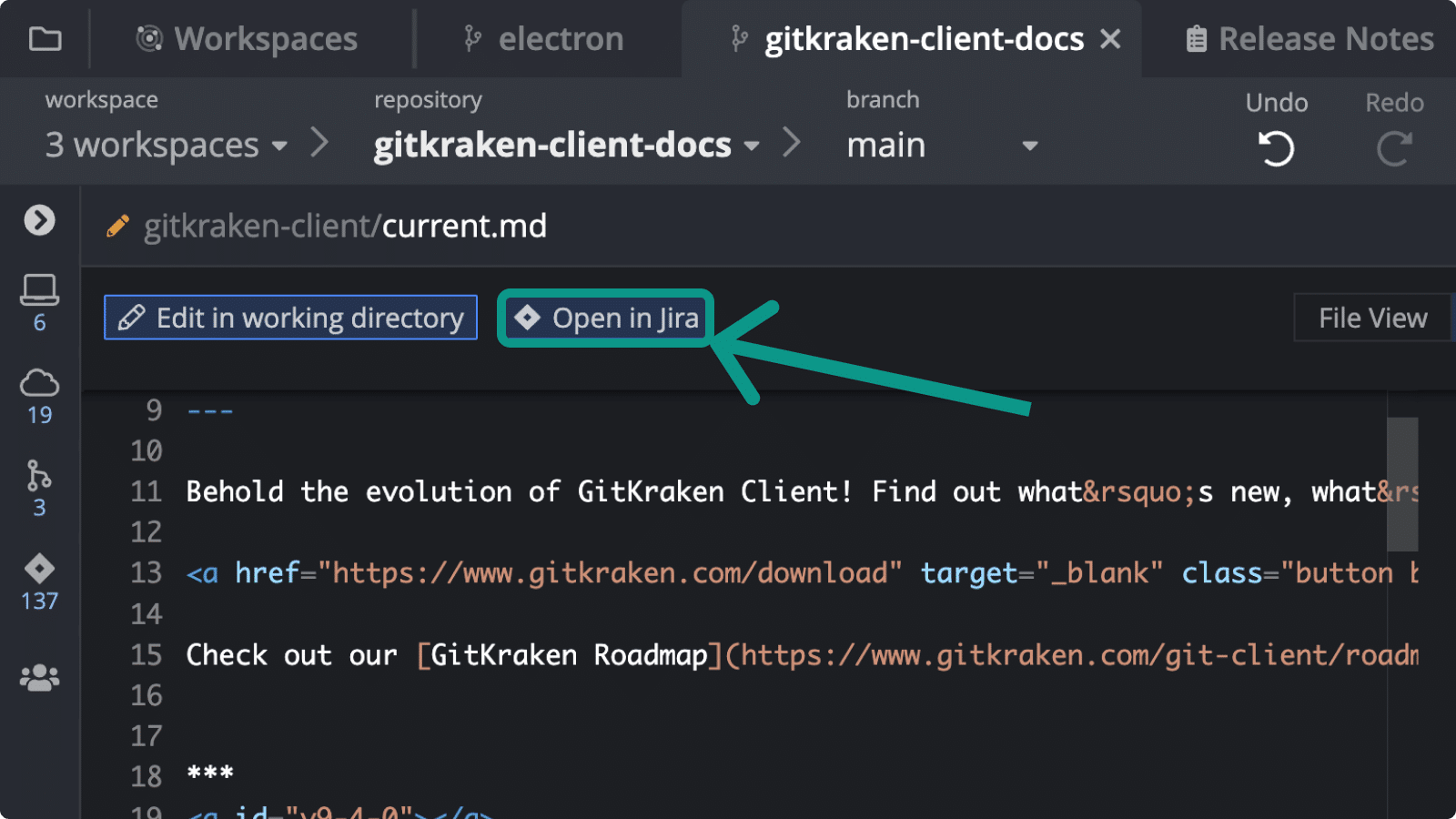 Connect to your Git Integration for Jira account to open the commits view in Jira from the diff view in GitKraken Client. Connect to your Git Integration for Jira account to open the commits view in Jira from the diff view in GitKraken Client. | ||||
GitHub 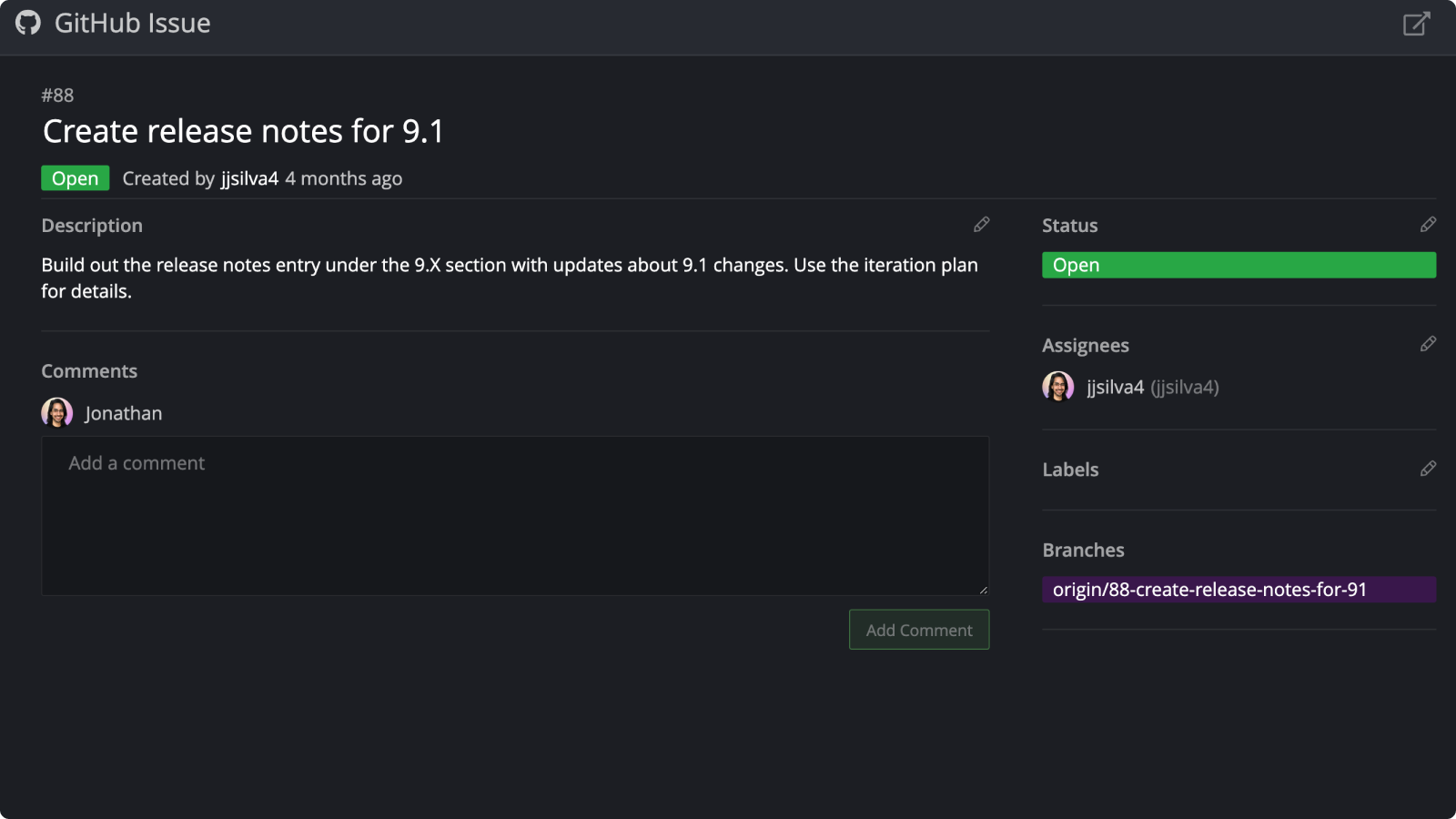 View, filter, modify and start work from GitHub.com Issues. View, filter, modify and start work from GitHub.com Issues. | Public Repos | |||
| GitHub Enterprise View, filter, modify and start work from GitHub Enterprise Issues. | View Only | |||
GitLab 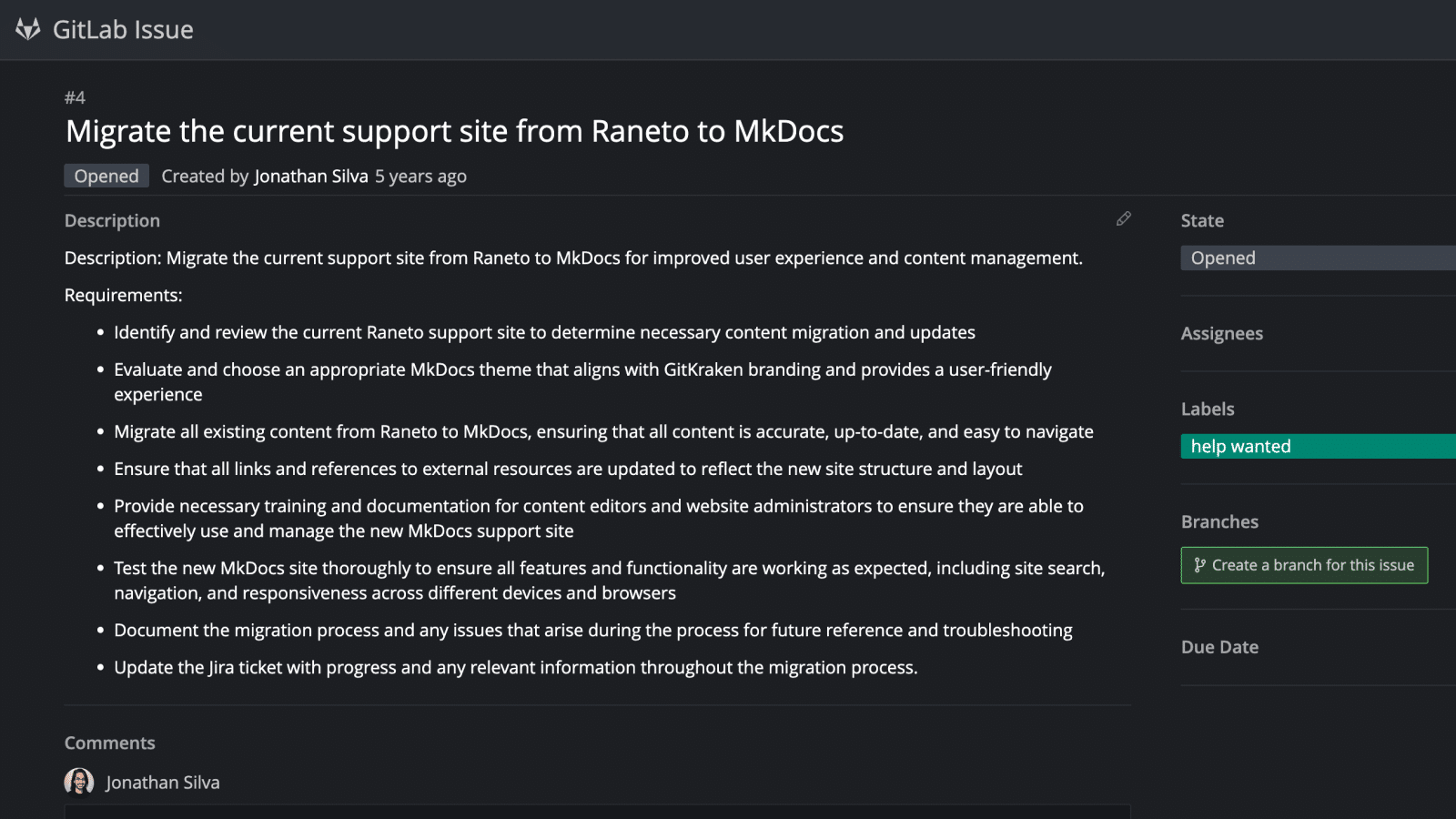 View, filter, modify and start work from GitLab.com Issues. View, filter, modify and start work from GitLab.com Issues. | Public Repos | |||
| GitLab Self-Managed View, filter, modify and start work from GitLab Self-Managed Issues. | View Only | |||
| Trello View, filter, modify and start work from Trello Issues. | View Only | |||
| User, Team & License Management | ||||
| One user license for all machines & OSes Use your license on multiple machines for Windows, Mac or Linux. | ||||
| Maximum Users Maximum number of licenses you can purchase on this plan. | 1 | 10 | 100 | Unlimited |
| Maximum Teams Maximum number of teams you can create on this plan. | 1 | 10 | Unlimited | |
| One Team Renewal Date; New Team Members are Prorated All subscriptions renew yearly and new licenses are prorated based on the renewal date. | Default | |||
| Cloud-Based User Account Management | Default | |||
| On-Premise Solutions (10 user minimum) On-Premise Self-Hosted Server and Serverless options available for license control, and secure air-gapped environments. | Available | |||
Single Sign-On 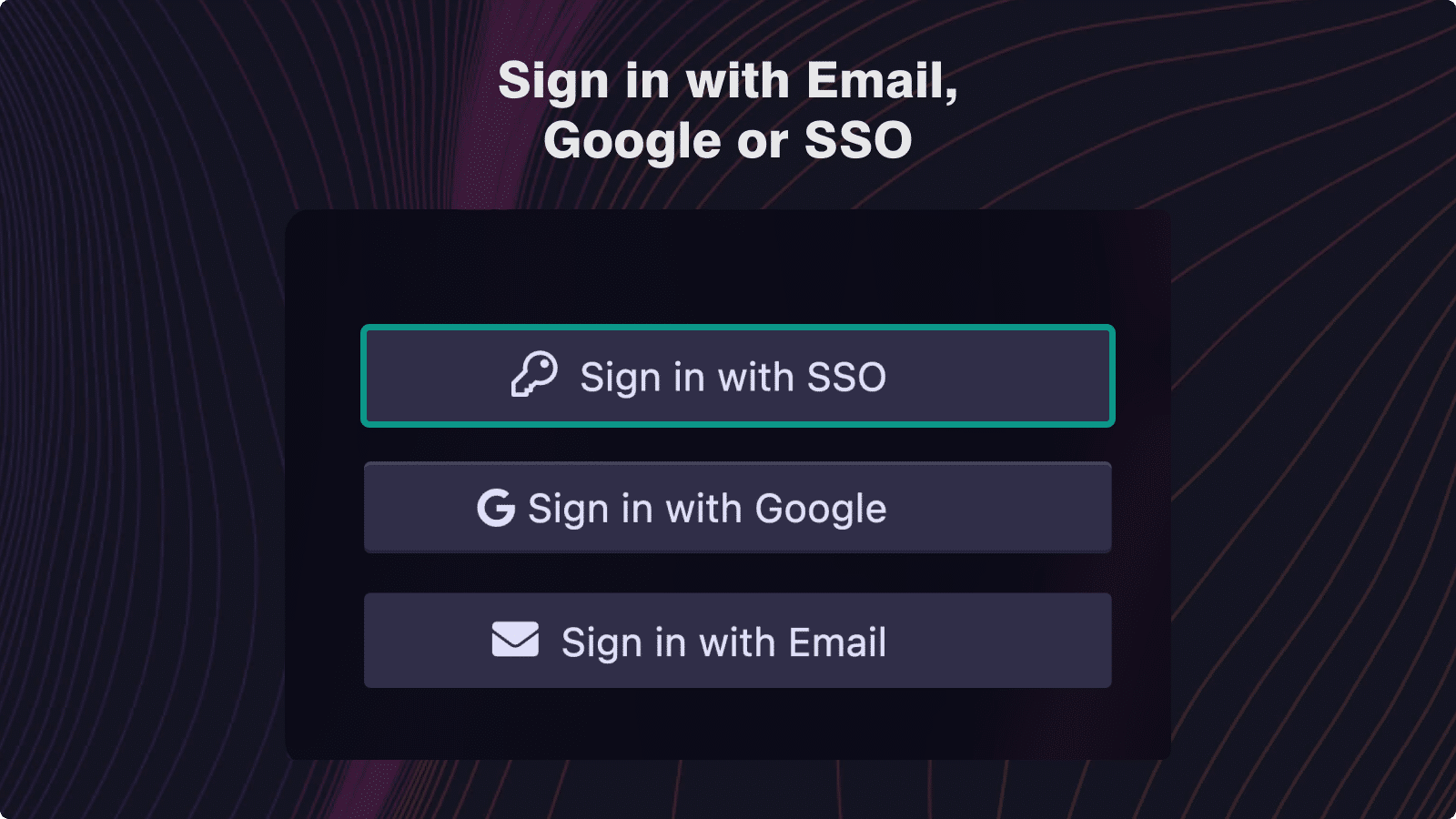 | ||||
| Azure Active Directory Configure and initiate an Oauth authentication flow with Azure Active Directory (IdP) for easy user license provisioning. | ||||
| Google Identity Platform Configure and initiate an Oauth authentication flow with Google Identity Platform (IdP) for easy user license provisioning. | ||||
| Okta Configure and initiate an Oauth authentication flow with Okta (IdP) for easy user license provisioning. | ||||
| Ping Identity Configure and initiate an Oauth authentication flow with Ping Identity (IdP) for easy user license provisioning. | ||||
| Hosting Login | ||||
| GitHub Login with your GitHub account and automatically have access to your GitHub repos, PRs and issues. | ||||
| GitLab Login with your GitLab account and automatically have access to your GitLab repos, PRs and issues | ||||
| Bitbucket Login with your Bitbucket account and automatically have access to your Bitbucket repos, PRs and issues. | ||||
| Azure DevOps Login with your Azure account and automatically have access to your Azure repos, PRs and issues. | ||||
| Google Login with your Google credentials. | ||||
| Integrated Terminal | ||||
Git-Enhanced Terminal 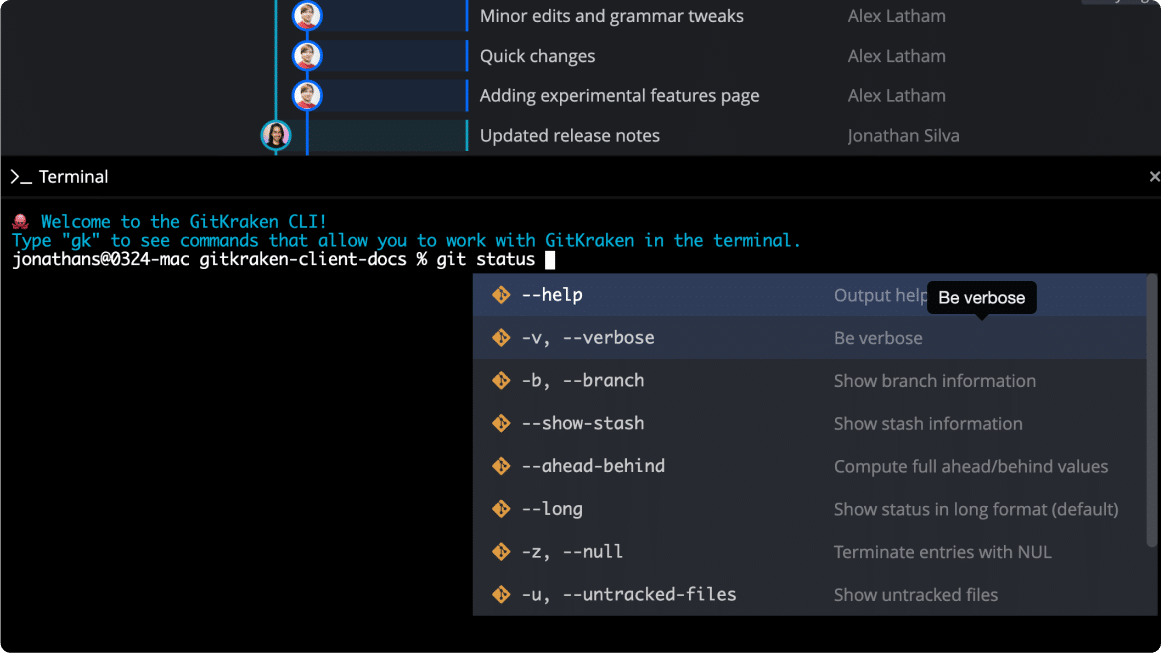 Keyboard-first git-enhanced terminal experience found inside a Terminal Tab or Terminal Panel in the GitKraken Client. Keyboard-first git-enhanced terminal experience found inside a Terminal Tab or Terminal Panel in the GitKraken Client. | ||||
Live Synchronized Commit Graph 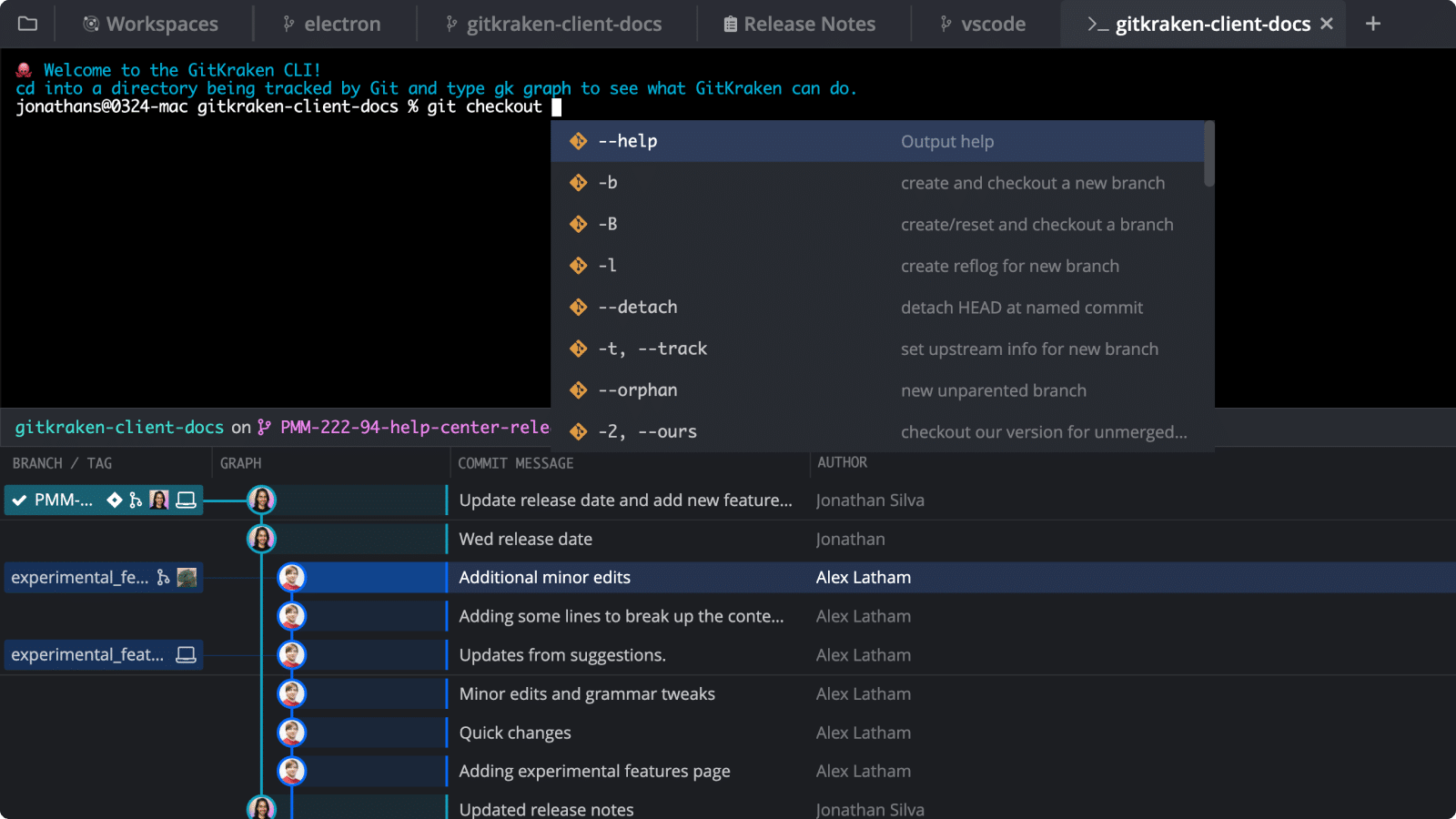 See the Commit Graph and terminal in the same view. See the Commit Graph and terminal in the same view. | ||||
CLI Diff View, Blame & History 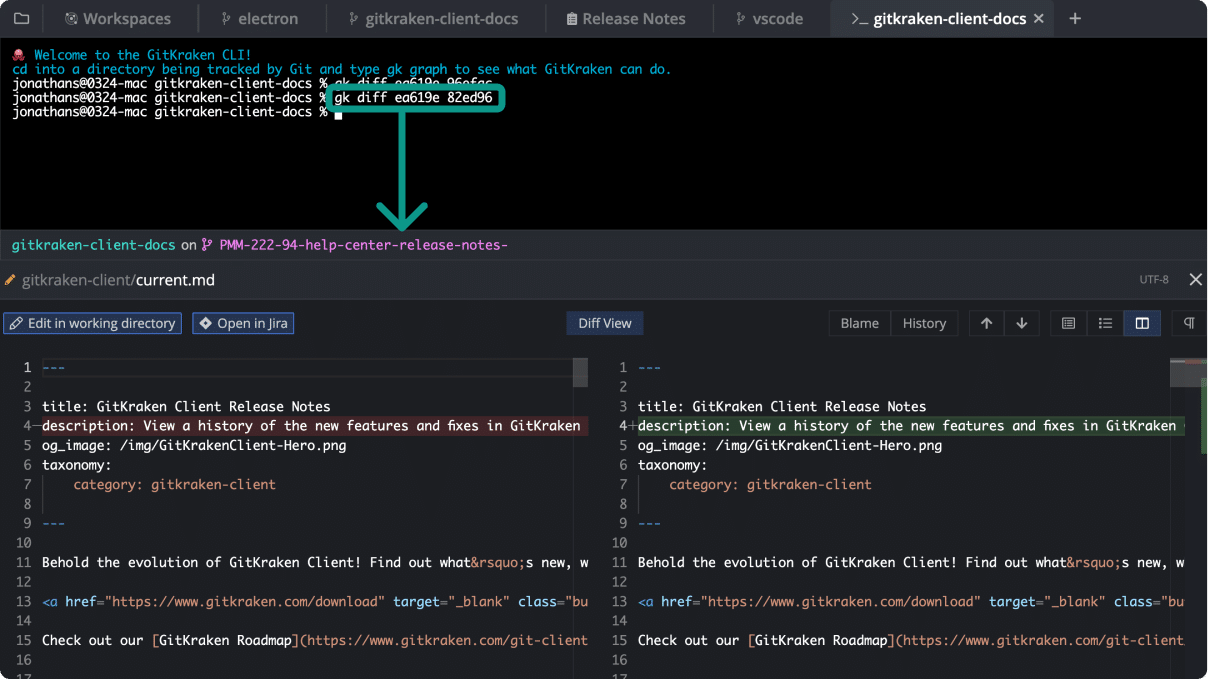 View the diff, blame or history inside the Terminal tab. View the diff, blame or history inside the Terminal tab. | ||||
Auto-suggest & Auto-complete Git Commands 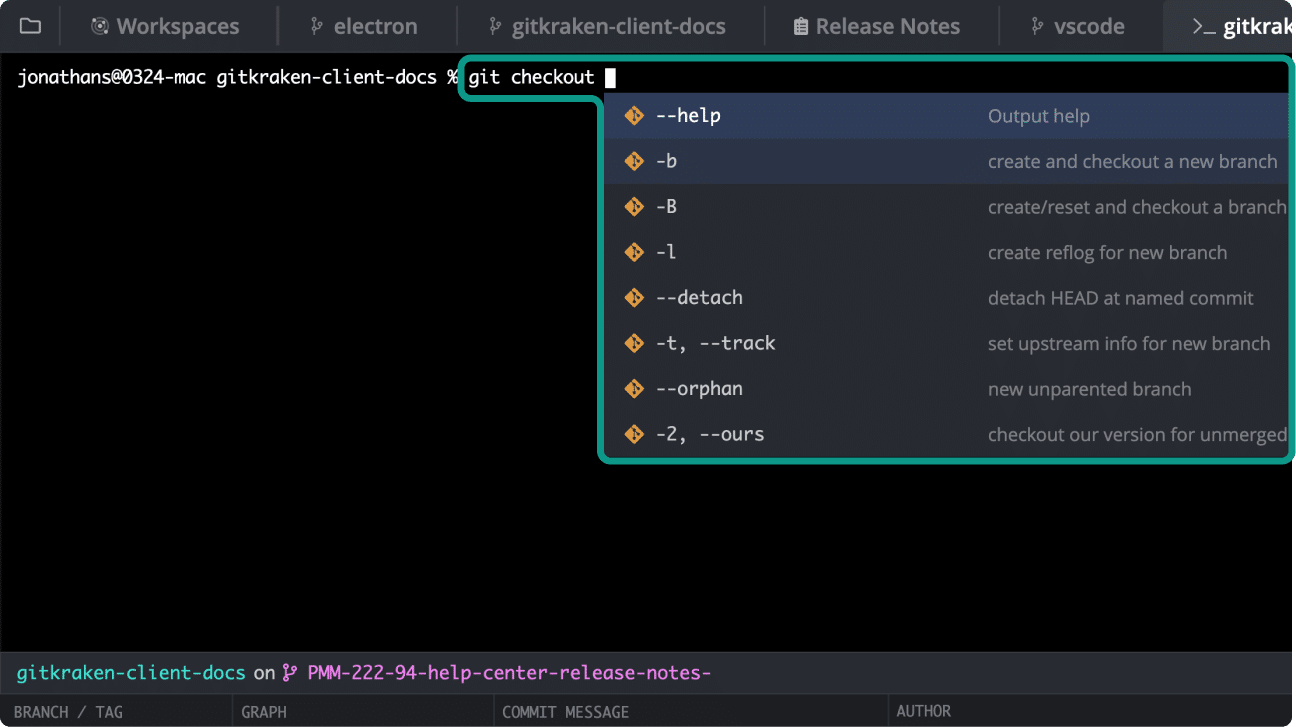 Suggests Git commands and flags with descriptions as you type. Suggests Git commands and flags with descriptions as you type. | ||||
| Support | ||||
| Guaranteed email support Expect a response from the GitKraken Support team within one business day. | ||||
| Support Documentation Access detailed information about all GitKraken Client features from help.gitkraken.com. | ||||
| Resources for Learning Git Learn about Git concepts through articles, video motion graphics, & visual examples. | ||||
| Git Course & Certification Ensure your team has a good understanding of Git with this free training course & certification exam. |


 Add to Chrome
 Add to Firefox
 Add to Microsoft Edge